1837 – 80 Series Entry System

Technical Support | Documents & Downloads

.

1837 Telephone Entry and Access Control System - DKS Doorking

1837 – 80 Series Entry System

Below you will find a variety of documents to address installation and troubleshooting questions, software availability, video tutorials, and more.

For additional questions, please scroll to the bottom of the page to select a method of contact, or locate an installer.

Looking for help with a different product? Start by choosing the product category below:

Tech Support Downloads

SOFTWARE
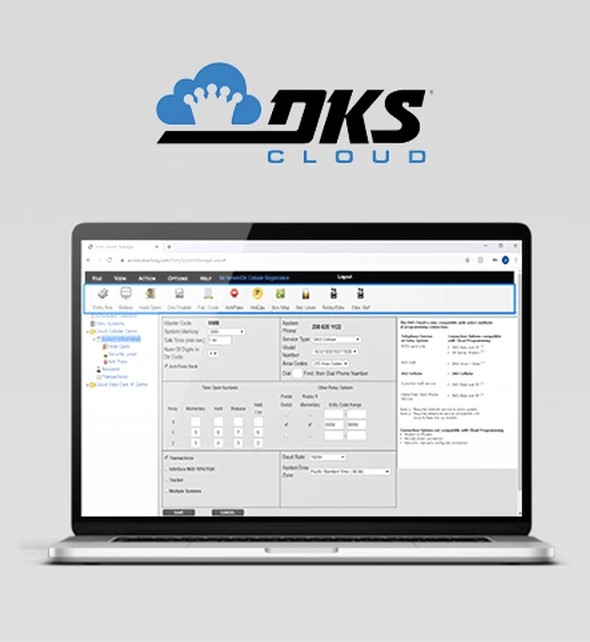
Cloud Account Manager Programming

Simply log into your Cloud Account Manager through any internet browser using any computer, tablet, or smartphone with an internet connection and you’re ready to start adding residents, making changes to access credentials, view access point activity, and more.
View All Cloud Videos
Cloud FAQs
Remote Account Manager

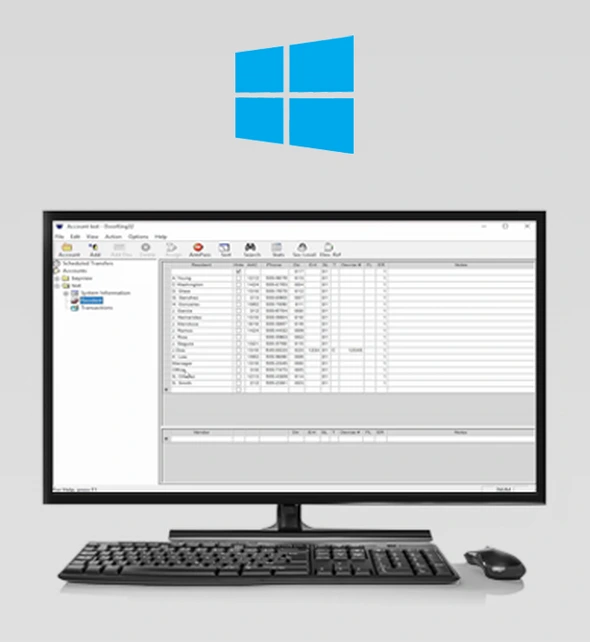
RAM software for 1833, 1834, 1835, 1837, 1838. Download the latest version of 6.5.b
This is just the standard Vista-and-up installer, as we’re no longer supporting XP.  It includes the new 6.5 PDF documentation.
You must back up and uninstall your existing version before installing version 6.5.

Remote Account Manager Software — Updating the Software

DKS Caller ID
Caller ID App

Allows you to create a contact for your DKS Entry System with a meaningful-to-you name, helping you easily identify guest calls from your Entry System.

DKS Relay
Relay Control App

Allows you to easily create a meaningful-to-you name for your DoorKing Entry System in your phone contacts for quick identification
of calls.
SOFTWARE MANUALS
DKS Cloud Programming
How to Give Programming Permissions for the Cloud
DKS Cloud Programming
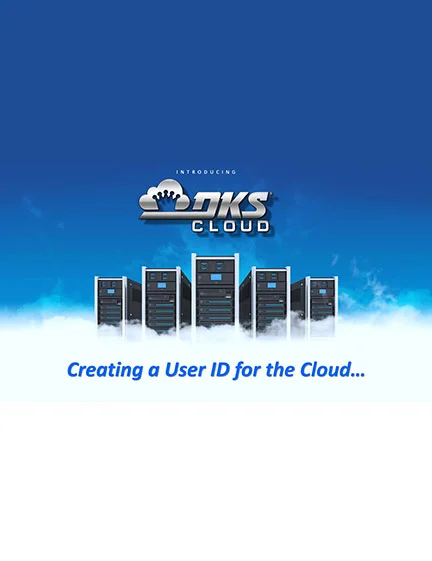
Creating a Cloud User ID
DKS Doorking Software 1835 066-M-9-11 V6-3
User’s Manual V6.3 Rev M
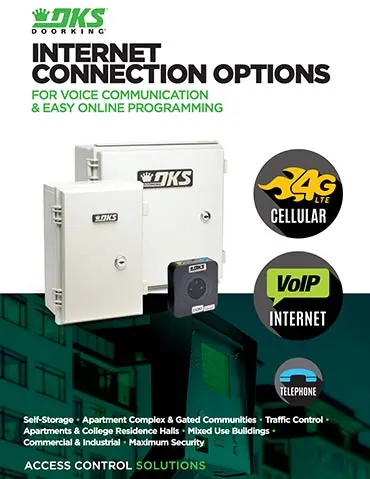
DKS Internet Connection Options brochure showing 4G LTE, VoIP, and telephone connection types for access control systems
Internet Connections | Brochure
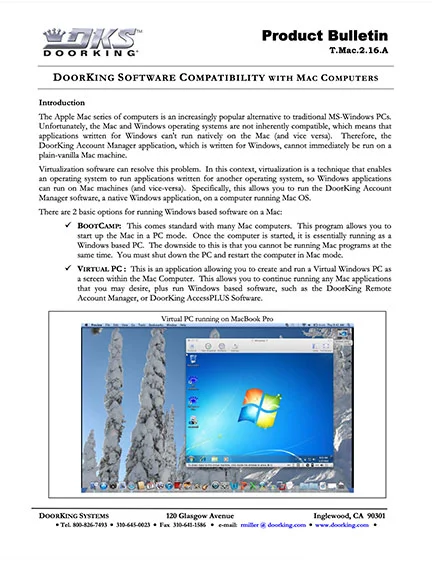
DKS Software on MAC
Software on MAC
DKS Users Manual
User’s Manual V6.5
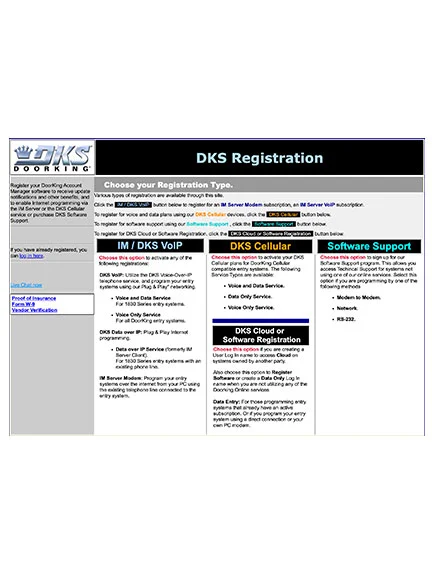
DKS Doorking Software Registration and Setup
Software Registration & IM-Server Setup
DKS Doorking Software 1835-066-K-4-10 V6-2c User Manual
User’s Manual V6.2
QUICK START GUIDES
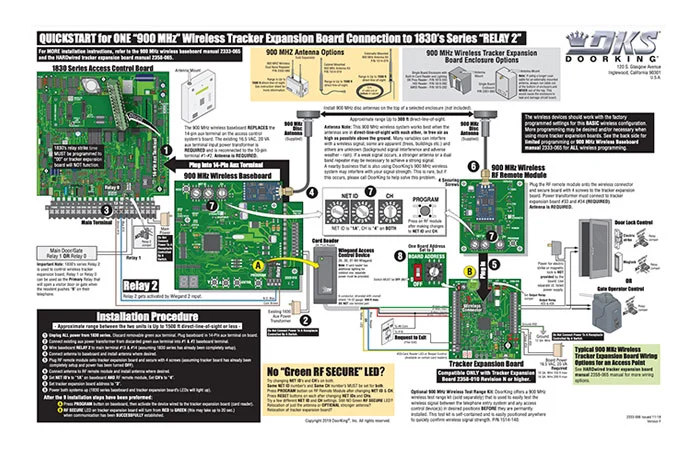
900 MHz Wireless Tracker QuickStart Manual
900M Tracker | Quick Start
900 MHz Wireless Tracker Quickstart

2333-066-11-18-F

DKS Doorking 1830-182-H-9-20 TCP-IP Server
1830-186 Plug & Play | Quick Start
1830 Series - TCP/IP Converter 1830-186 Plug & Play Quick Start

1830-182-J-5-24

DKS Doorking 1830-181-H-8-20 TCP-IP Manual
1830-185 | Quick Start
1830 Series - TCP/IP Converter 1830-185 Quick Start

1830-181-H-8-20

DKS Wireless Tracker Quick Start
Tracker (2358) Expansion Wireless | Quick Start
1830 Series - 2.4G Wireless Tracker Quick Start

2358-067-E-10-14

OWNER'S MANUALS
DKS Doorking 1815-065-J-3-01 Owners Manual
1803PC/1815/1817 (Discontinued)

1815-065-J-3-01

DKS Doorking 1835-065-P-9-22 80 Series installation owners manual
1833/1835/1837 80-Series Telephone Entry/Access Control

1835-065-R-11-24

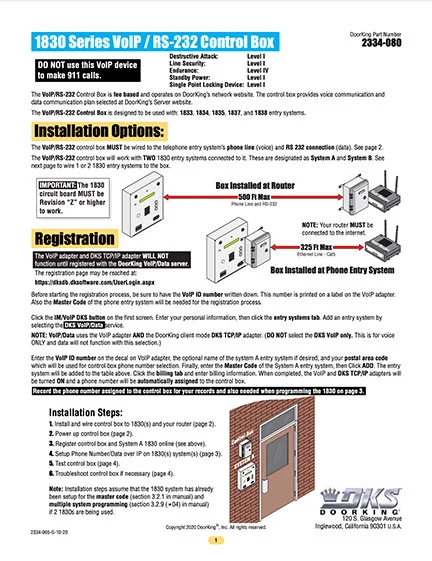
DKS Doorking 2334-065-G-10-20 instructions
2334 VoIP/RS232

2334-065-K-6-24

DKS Doorking 2348-065-E-10-11 Owners Manual
2348 Elevator Control

2348-065-E-10-11

DKS Doorking 2358-065-Issued-7-19_E Tracker Expansion installation owners manual
2358 Expansion (Tracker) Board

2358-065-7-19-VG

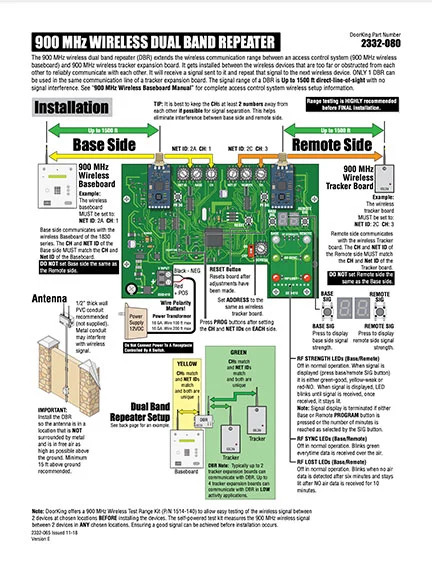
DKS Doorking 2332-065-Issued-11-18_E 900M Repeater installation owners manual
900 MHz Dual Repeater 2332-080 | Accessory Manual

2332-065-11-18-E

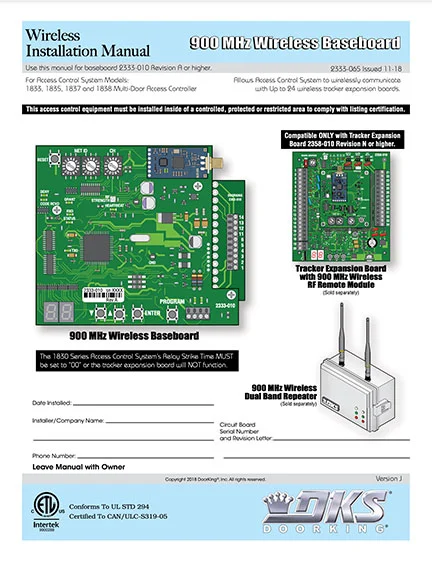
DKS Doorking 2333-065-Issued-11-18_J_900M Baseboard RF kit installation owners manual
900 MHz Wireless Baseboard Kit 2333-065 | Installation Accessory Manual

2333-065-11-18-K

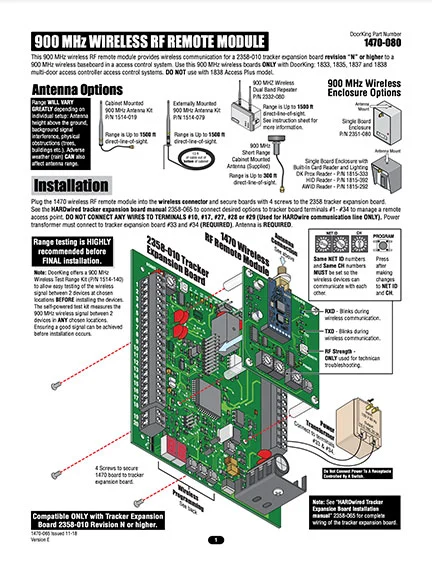
DKS Doorking 1470-065 Issued-11-18_E_900M Tracker RF Kit installation owners manual
900 MHz Wireless RF Remote Module 1470-080 | Accessory Manual

1470-065-11-18-F

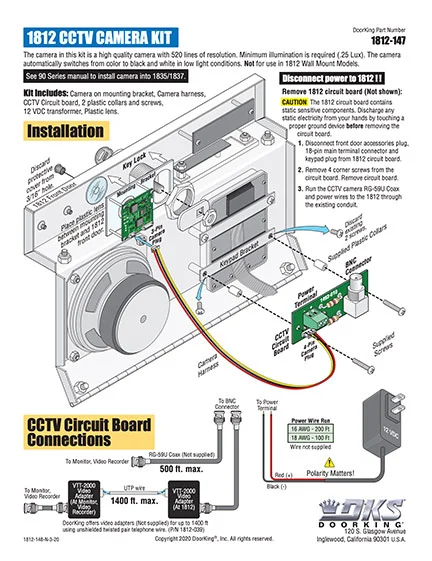
DKS Doorking Camera Kit Literature
Camera Kit 1812 Surface

1812-148-N-3-20

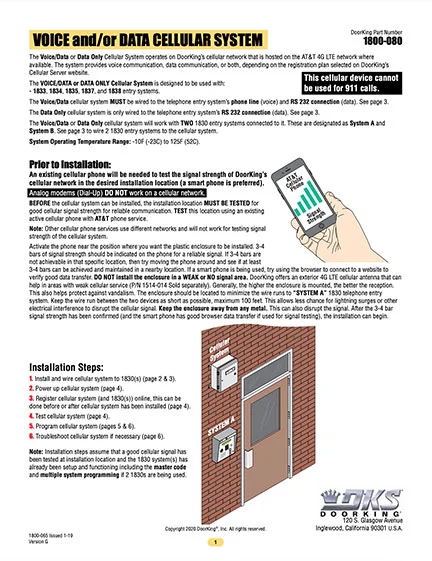
DKS 1830 Series Cellular Voice + Data Instructions
Cellular Voice + Data Instructions

1800-065-1-19-K

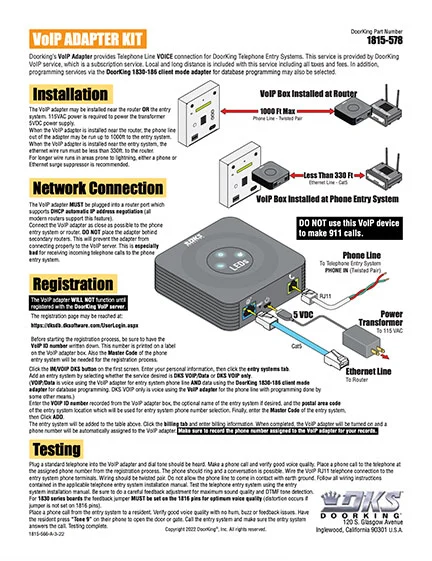
DKS VoIP Adapter
VoIP Adapter Kit

1815-566-A-3-22

How to Manuals
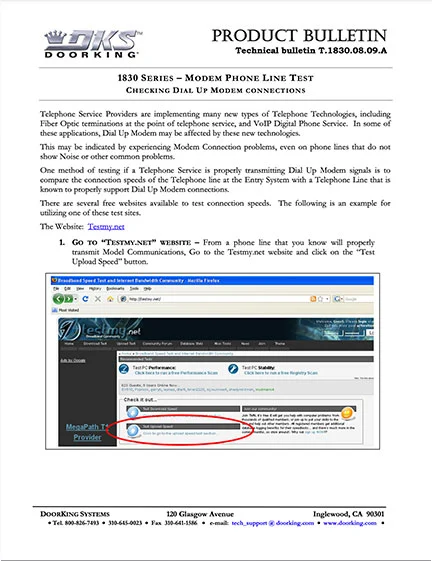
1830 Series Modem Phone Line Test - Product Bulletin
1830 Series Modem Phone Line Test
Modem Phone Line Test

Checking dial-up modem connections.

DKS Cloud Programming
Creating a Cloud User ID
DKS Cloud Management
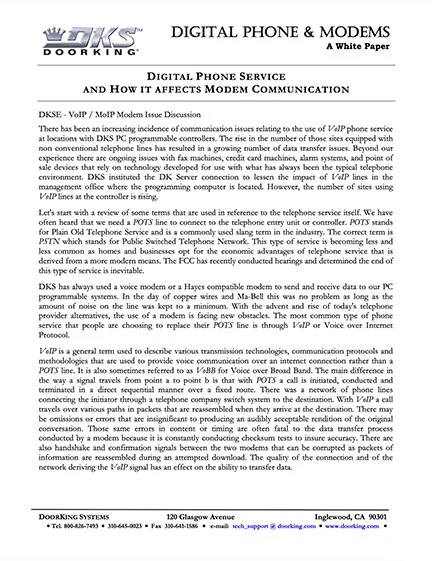
DKS Digital Phone and Modems
Digital Phone and Modems
VoIP / MoIP Modem Issues White Paper
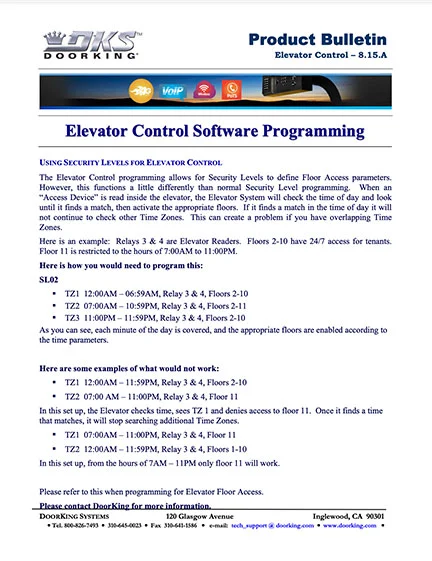
DKS Elevator Control Software Programming
Elevator Control
Using Time Zones with Elevator Control

Elevator Control Time Zones

DKS Grounding & Surge Suppression
Grounding & Surge
Grounding & Surge Protection

2006 Rev D

DKS Cloud Programming
How to Give Programming Permissions for the Cloud
DKS Cloud Management
DKS Import Export 1830 Series
Import Export 1830 Series
Area Code Change

Use Import/Export to correct Resident Area Code
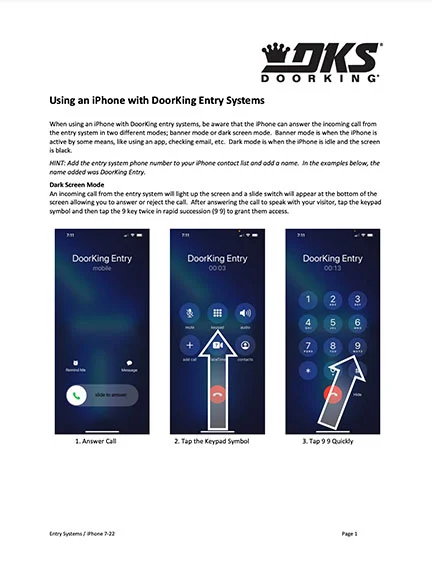
Using an iPhone with Doorking Entry System
iPhone
Using iPhone with DK Entry Systems

iPhone 7-22

Doorking Systems Local Area Network
Local Area Network (LAN) set up
Internet Training Guide
DKS Software on MAC
Software on MAC
Doorking Software Compatibility with Mac Computers

RAM Software on a MAC

ACCESSORIES MANUALS
DKS Doorking 1830-181-H-8-20 TCP-IP Manual
1830-185 | Quick Start

1830-181-H-8-20

DKS Doorking 1830-182-H-9-20 TCP-IP Server
1830-186 Plug & Play | Quick Start

1830-182-J-5-24

DKS Doorking 2332-065-Issued-11-18_E 900M Repeater installation owners manual
900 MHz Dual Repeater 2332-080 | Accessory Manual

2332-065-11-18-E

DKS Doorking 2333-065-Issued-11-18_J_900M Baseboard RF kit installation owners manual
900 MHz Wireless Baseboard Kit 2333-065 | Installation Accessory Manual

2333-065-11-18-K

DKS Doorking 1470-065 Issued-11-18_E_900M Tracker RF Kit installation owners manual
900 MHz Wireless RF Remote Module 1470-080 | Accessory Manual

1470-065-11-18-F

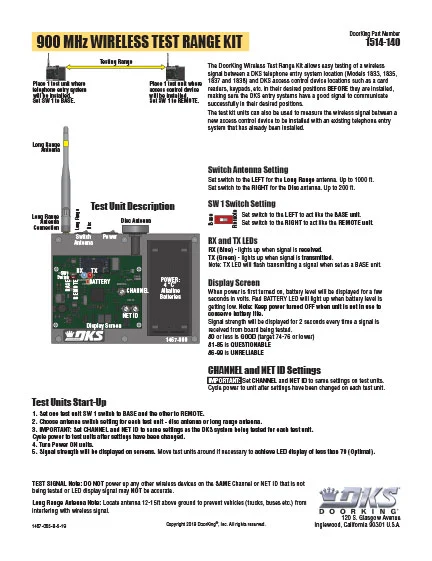
DKS Doorking 1467-065-B-5-19_900M Test Kit
900 MHz Wireless Test Range Kit 1514-140 | Accessory Manual

1467-065-B-5-19

DKS Doorking 1514-066-A-7-19 Cellular Antenna
Cellular Directional Antenna Kit 1514-014 | Accessory Manual

1514-066-A-7-19

RS232 to RS422
Conversion Kit RS232 to RS422 1508-055

1815-706-C-5-16

DKS owners manual 2348
Elevator Control Board 2348 Series | Accessory Owner’s Manual

2348-065-E-10-11

DKS owners manual 2351
Expansion Board 2351-010 | Accessory Owner’s Manual (Discontinued)

2351-065-K-10-11

DKS Doorking 2600-584 Heater Kit Literature
Heater Kit 1830 Series Systems

2600-518-B-6-13

DKS Doorking 1815-038-A-6-13 Instructions
Instructions for 1815-039 Converter | Accessory Manual

1815-038-A-6-13

DKS Wiegand Keypad Installation
Keypad – Wiegand

1815-064-K-3-17

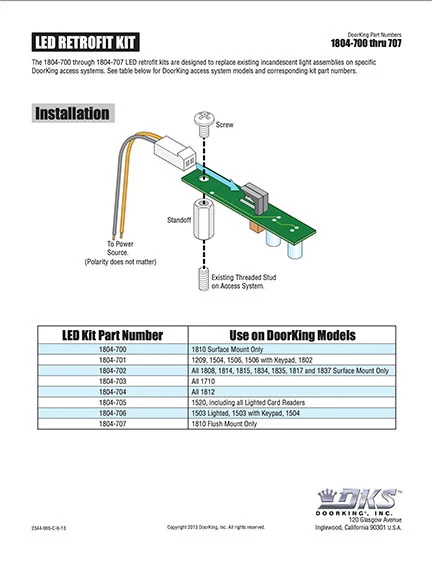
DKS led retrofit kit
LED Retrofit Kit Instructions

2344-065-C-6-13

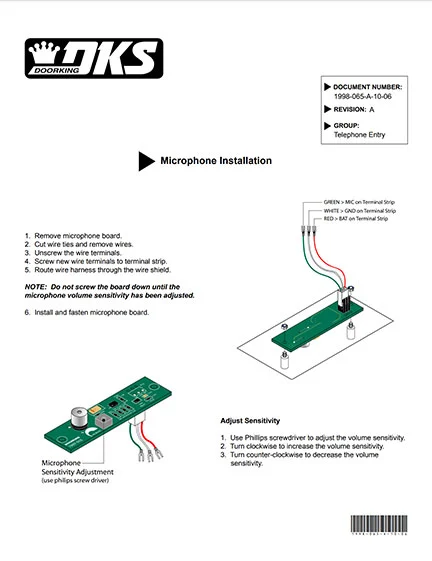
DKS Microphone Retro Fit Kit Rev A
Microphone Retro-Fit Kit

1998-065-A-10-06

RS232-RS422 Extender Kit | Accessory Manual

1830-183-B-3-16

DKS Secondary Lighted Keypads
Secondary Lighted Keypad | Accessory Manual

1506-066-D-2-18

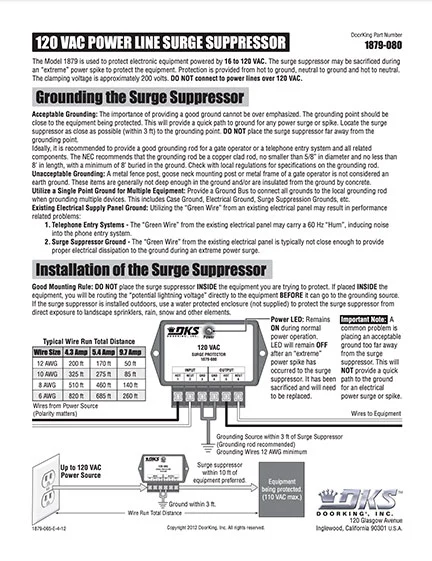
DKS 120 Low Voltage Surge Suppressor
Surge Suppressor 120V 1879-010

1879-065-E-4-12

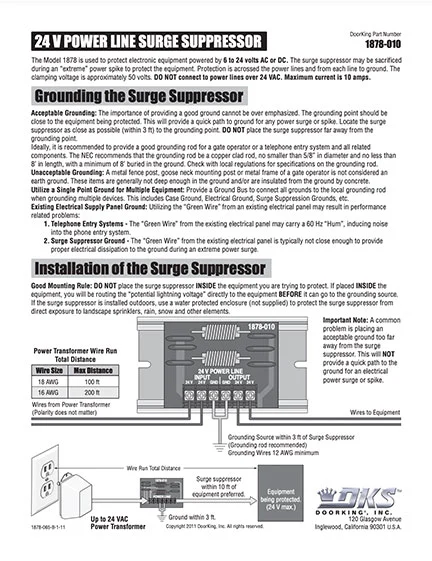
24v Power Line Surge Suppressor
Surge Suppressor 24V 1878-010

1878-065-B-1-11

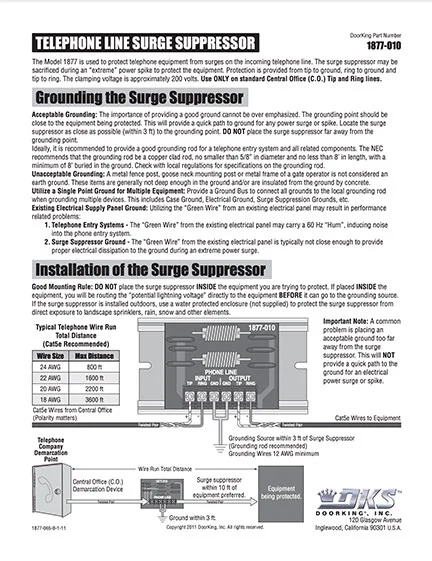
DKS Phone Line Surge Suppressor
Surge Suppressor Phone Line 1877-010

1877-065-B-1-11

DKS Doorking 1830-160 Wiring Instructions for Isolation Transformers
Transformer – Isolation P/N 1830-160

1830-160-A-12-06

Tty Add on Device Kit For The 1830 Series Entry
TTY Add-On Device Kit for the 1830 Series Entry Systems 1830-315 | Accessory Manual

1830-325-A-6-16

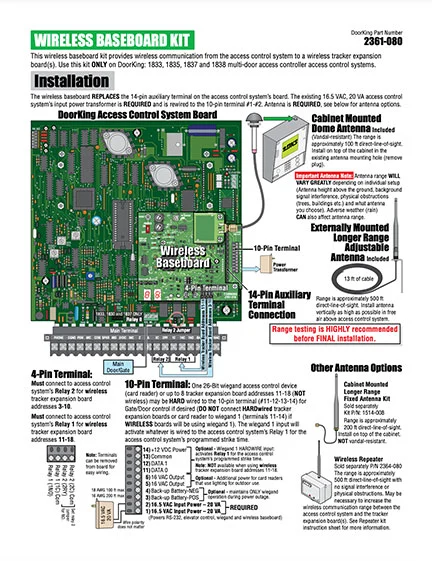
DKS Base Board Kit
Wireless Baseboard Kit 2361-080 | Accessory Manual (Discontinued)

2361-065-D-10-14

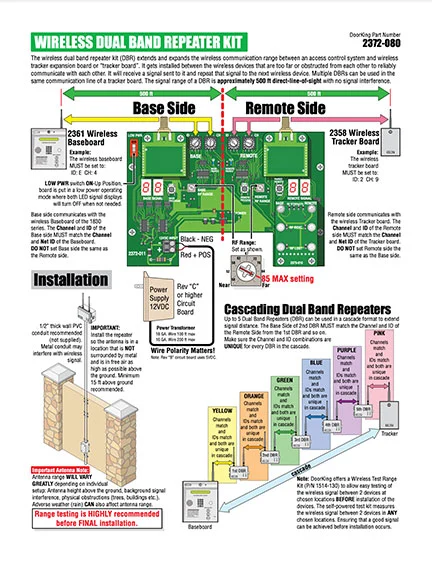
DKS 2372 Dual Repeater
Wireless Dual Band Repeater Kit 2372-080 | Accessory Manual (Discontinued)

2372-065-F-5-18

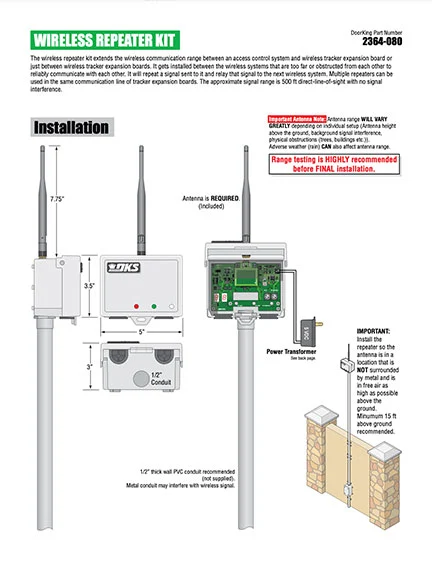
Doorking Wireless Repeater Kit
Wireless Repeater Kit 2364-080 | Accessory Manual (Discontinued)

2364-065-E-11-14

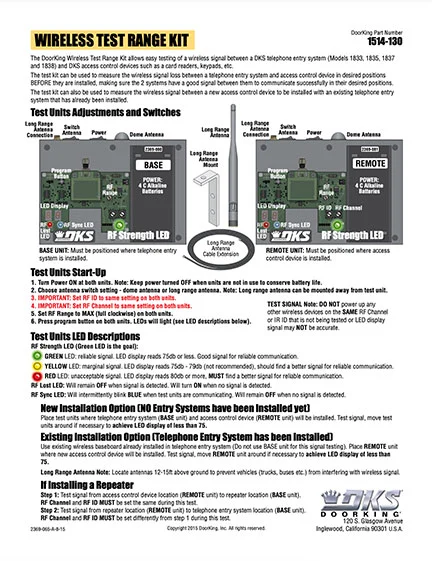
DKS Wireless Test Range Kit
Wireless Test Range Kit | Accessory Manual(Discontinued)

2369-065-A-8-15

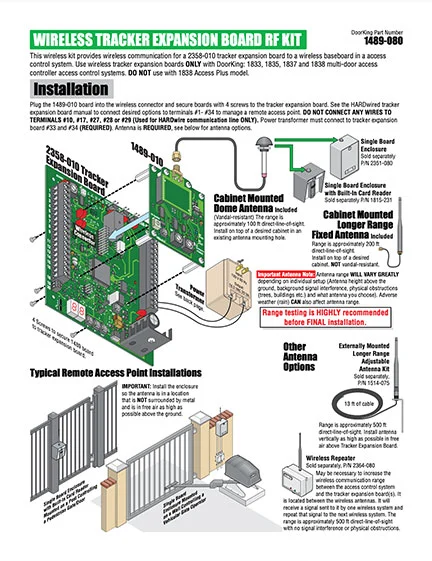
DKS Tracker RF Kit
Wireless Tracker Expansion Board RF Kit 1489-080 | Accessory Manual (Discontinued)

1489-065-D-10-14

SOFTWARE VIDEOS
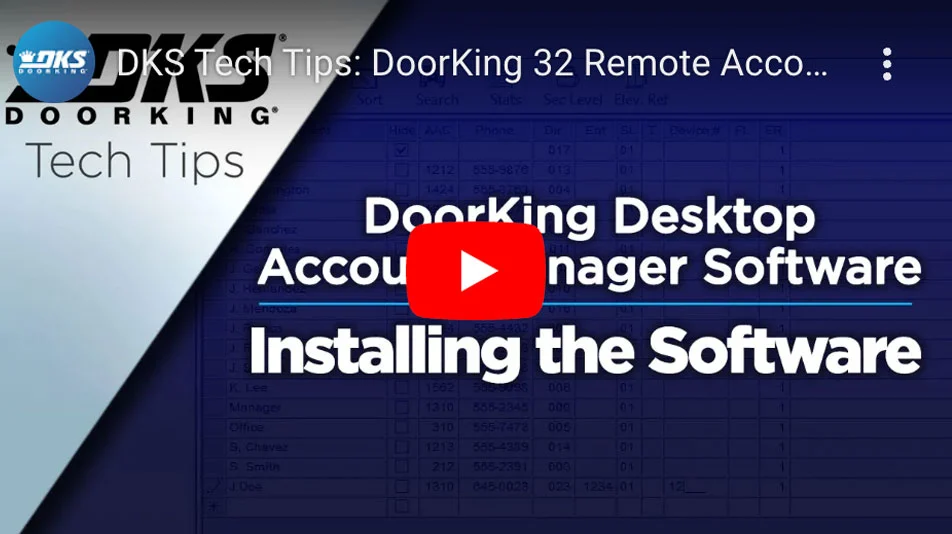
DKS Cloud Programming - Installing the Software - Youtube Video
DKS 32 Remote/Desktop Account Manager Tech Tip Videos (Playlist)
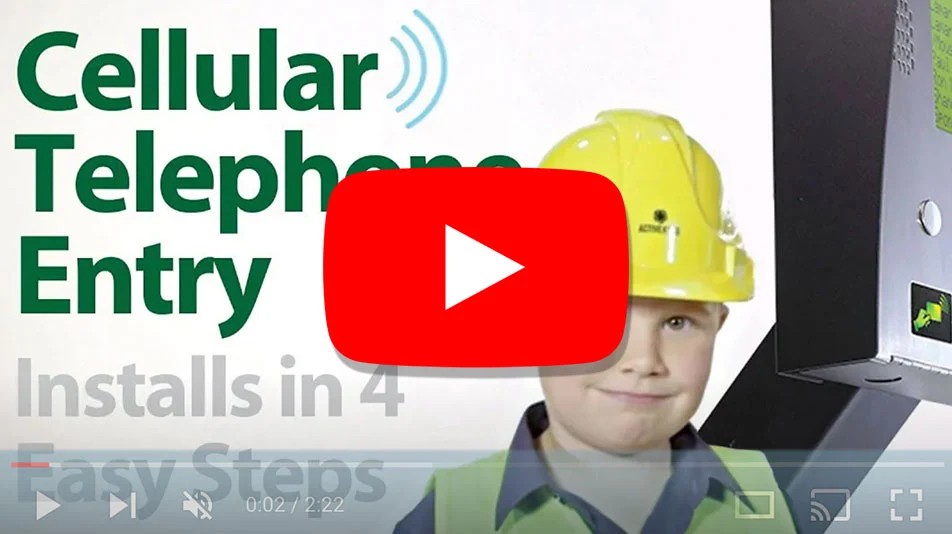
Video thumbnail showing child in construction gear beside DKS cellular telephone entry system with text: Installs in 4 Easy Steps
DKS Cellular Telephone Entry: Installs in 4 Easy Steps
DKS Cloud Programming Youtube Video
DKS Cloud Programming Tech Tip Videos (Playlist)
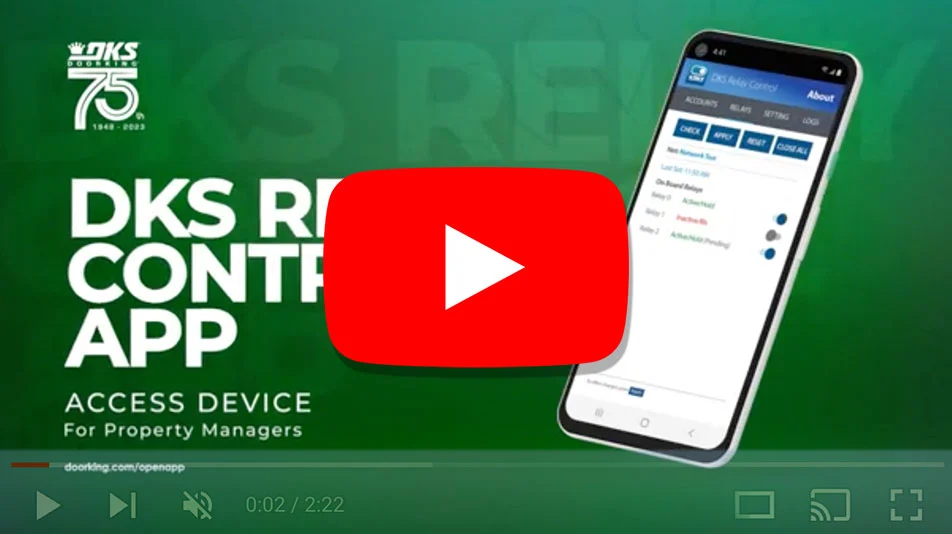
DKS Relay Control App video thumbnail showing mobile interface for property managers with access device control features
DKS Relay Control (For Property Managers)
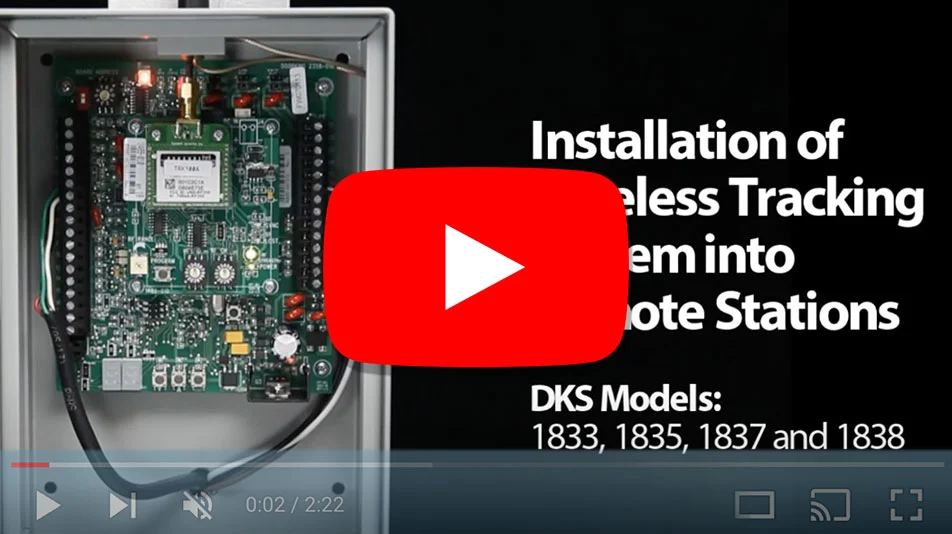
DKS Doorking youtube DKS Remote Station Tech Tip Videos
DKS Remote Station Tech Tip Videos (Playlist)
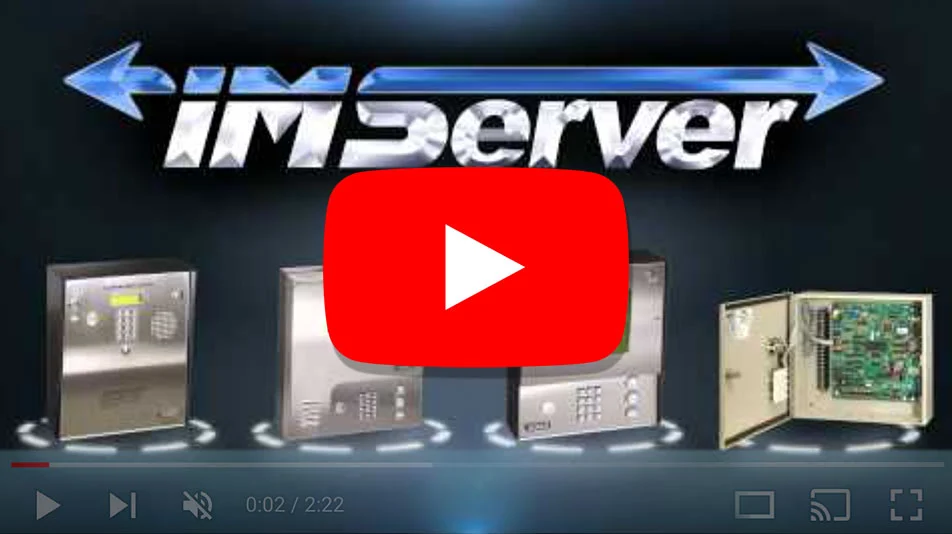
DKS Doorking imserver youtube
DKS Software Videos (Playlist)
DKS Doorking youtube DKS Training Workshops and Seminars
DKS Training Workshops and Seminars
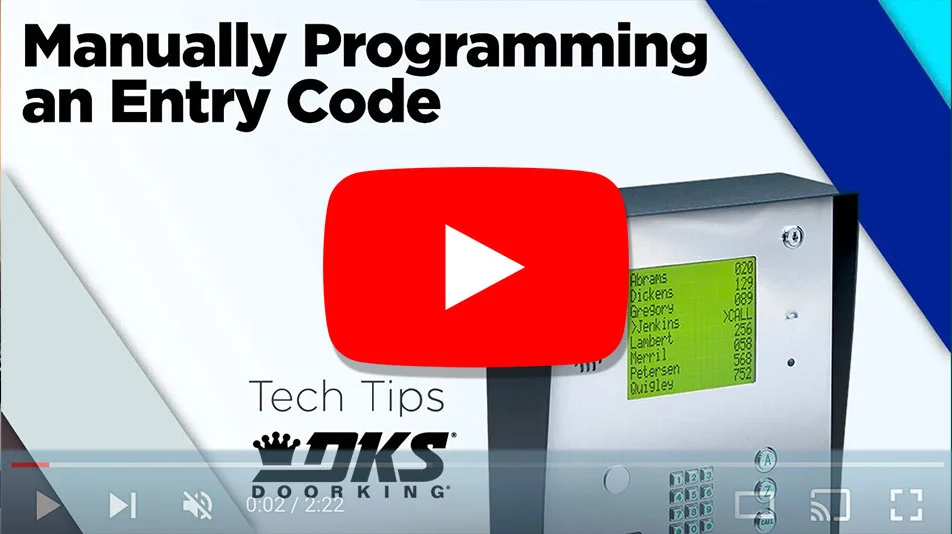
DKS Doorking youtube Manual Programming of DKS Devices Videos
Manual Programming of DKS Devices Videos (Playlist)
DKS Doorking youtube Registering Your Account and Hardware Videos
Registering Your Account and Hardware Videos (Playlist)

Architects | Specifiers Downloads

Literature
1830-80 brochure
1830-80 Series | Brochure

Rev 2-23

1837-80 Literature
1837-80 Series | Literature

Rev 12-20

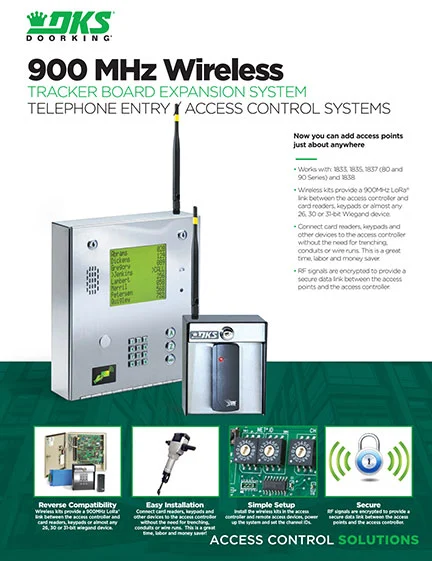
900mhz Literature
900 Mhz Wireless Expansion | Literature

Rev 6-20

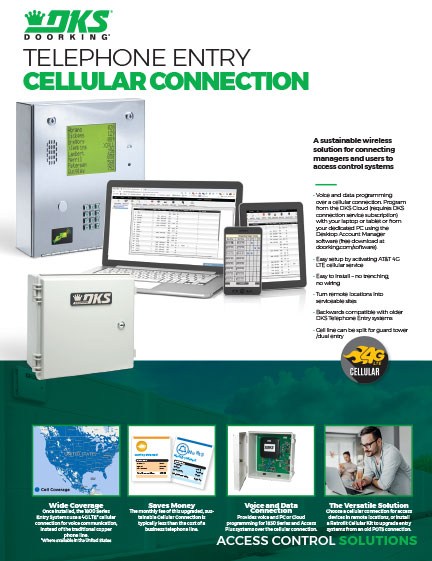
Thumbnail preview of DoorKing cellular connection cutsheet
Cellular Connections | Literature

Rev 8-26

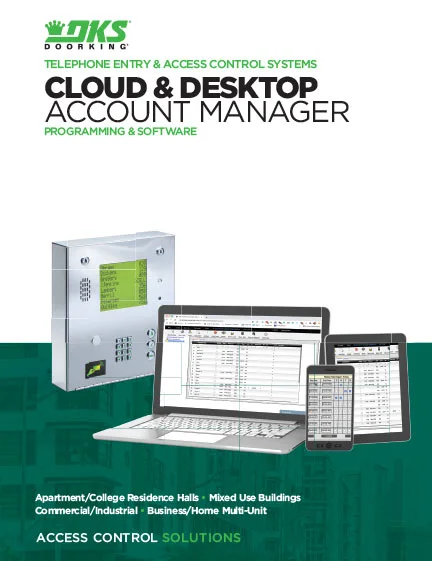
Cloud & Desktop Account Manager Programming & Software Brochure
Cloud & Desktop Account Manager Programming & Software | Brochure

Rev 2-23

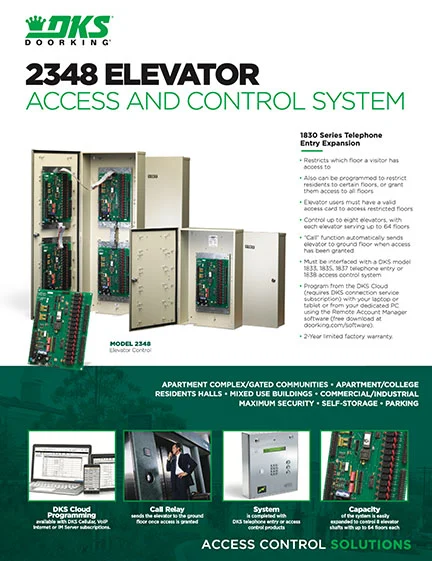
DKS Doorking Elevator Control Literature
Elevator Control | Literature

Rev 3-21

DKS Internet Connection Options brochure showing 4G LTE, VoIP, and telephone connection types for access control systems
Internet Connections | Brochure

Rev 2-23

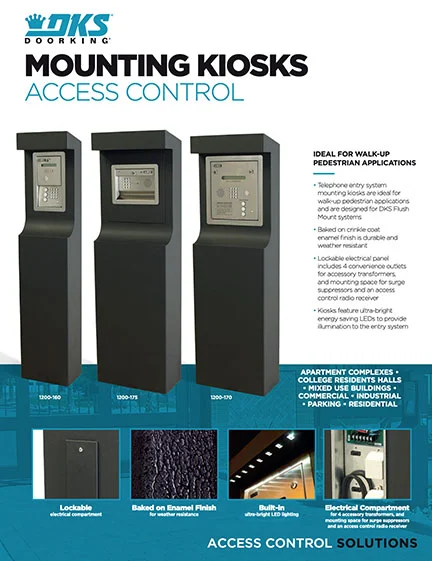
Mounting Kiosks Cutsheet Literature
Mounting Kiosks | Literature

Rev 6-25

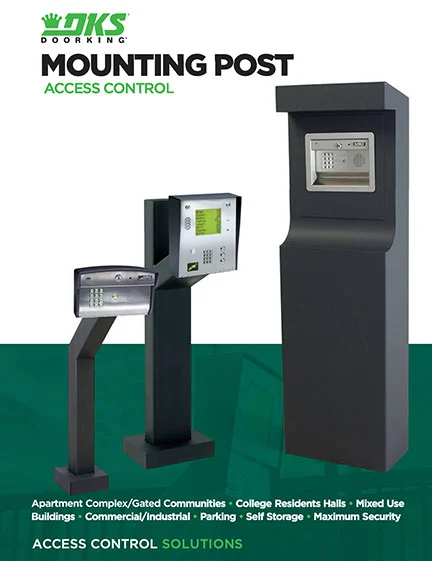
Mounting Post Literature
Mounting Posts & Kiosks | Brochure

Rev 2-23

Mounting Post Cutsheet Literature
Mounting Posts | Literature

Rev 5-21

3 Part Specifations
DKS Doorking 3-part. Specifications entry
1830-80 Series Telephone Entry | 3-Part Specification

SECTION 28-15-21
Revised 7-24

CAD
This product does not currently have any CAD files
3D Models
1835 3-D Models
1837 3-D Models
IPB
DKS Doorking 1837 Flush D-11-17
1837 80 Series Flush Mount | IPB

Rev 11-17

DKS Doorking 1837 Surface D-11-17
1837 80 Series Surface Mount | IPB

Rev 11-17

DKS Doorking 1837-Wall-C-2-15
1837 80 Series Wall Mount | IPB (Discontinued)

Rev 2-15

Planning

DoorKing is a registered Continuing Education System provider for the American Institute of Architects.
DKS offers comprehensive help with System design considerations and equipment layouts. We offer assistance whether your application calls for complex Access Control Systems, or just a single door or automated vehicular gate-controlled entry point.

SYSTEM PLANNING CONSULTATION
DKS assists Architects, Engineers, and Consulting Specifiers with CAD drawings, System planning, and 3-part specifications. We will be happy to assist with design and layout parameters for your automated Vehicular Gate and Access Control System requirements.  For assistance, please contact George M. Hendrix, Business Development Manager at 678-230-4162 or email George.

LUNCH & LEARN SESSIONS
To schedule a Lunch & Learn (webinar or in-person) on Automated Vehicular Gate design guidelines that help prevent accidents and injury, and to be sure your design is in compliance with industry safety standards and International Building Codes, please contact Allen Wright, Business Development Manager at 310-489-4875 or email Allen.

As well as having downloadable information on each specific product, we have collected all our download files click the button below to access all downloads in one location.

Looking for more help?

Contact us by phone icon for DoorKing customer support

Monday – Friday
8am est – 7pm est • 5am pst – 4pm pst

Scroll to Top
Skip to content