eVolve Series Cloud Account Manager
The eVolve Series Cloud Account Manager is our most advanced remote programming option available. The Cloud is a web browser-based system management tool that enables remote Entry System monitoring and programming from any device with an internet connection, anywhere in the world.
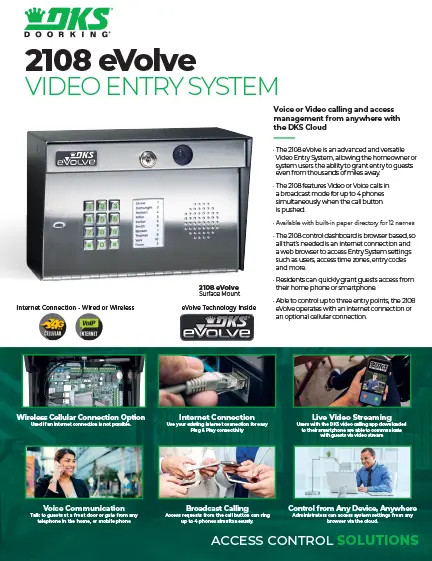
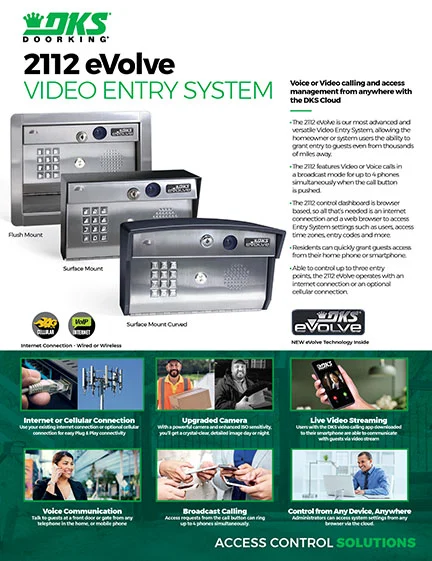
The eVolve Cloud can be used with the 2112 and 2108 eVolve Video Entry Systems.
Visit the eVolve Cloud Account Manager page to learn more.
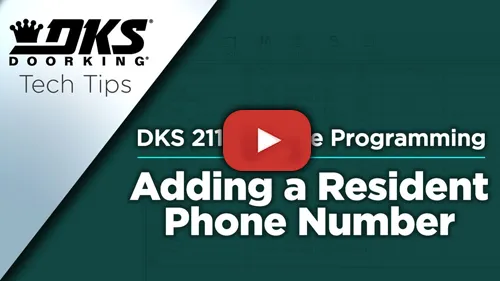
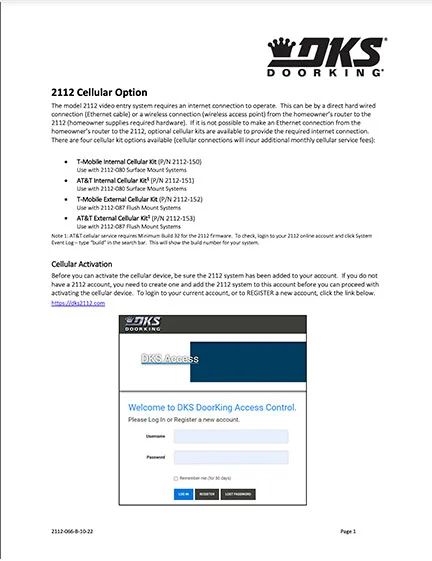
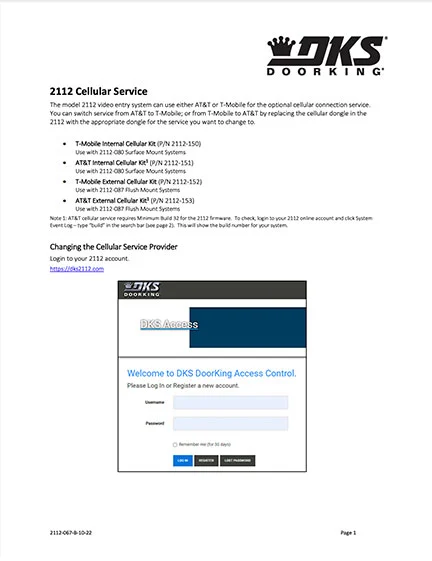
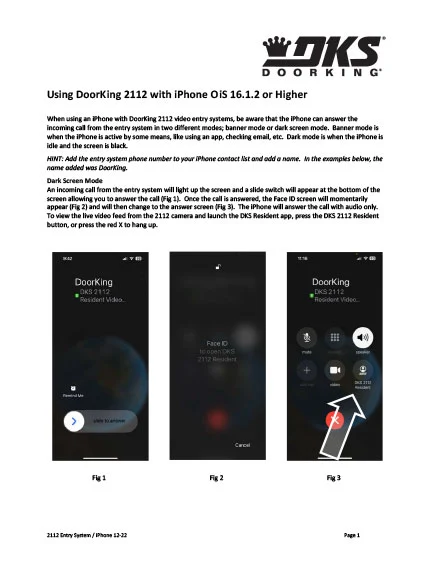
Below you will find a variety of step-by-step instructions, how-to videos, and documentation to address first time Cloud activation for new users, switching to the Cloud from Windows Account Manager, programming, troubleshooting questions, and more.
For additional questions, please scroll to the bottom of the page to select a method of contact.
Looking for help with a different product? Start by choosing the product category below:
Tech Support Downloads
For NEW eVolve Series Entry System Users
Follow These Simple Steps to Set Up Your New eVolve Cloud Account Manager
Please watch the available videos to see important specific instructions for each step.
Step 1. Register Your Entry System
Step 2. Add Your Entry System to Your eVolve Cloud Account
Step 3. Add & Manage Administrative Users
Step 4. Start Programming
SOFTWARE
Allows homeowners to manage visitor access to their property with their smartphone – anytime, from anywhere.
This app is compatible with:
2112 eVolve Video Entry System
2108 eVolve Video Entry System