
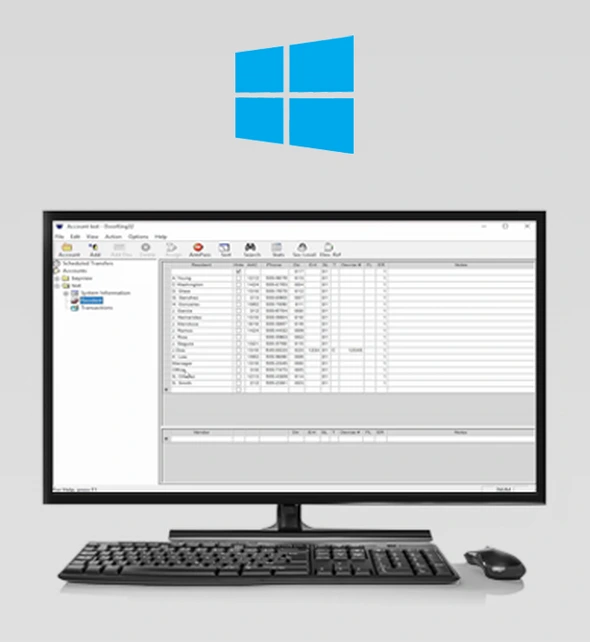
Windows Account Manager 1830 Series
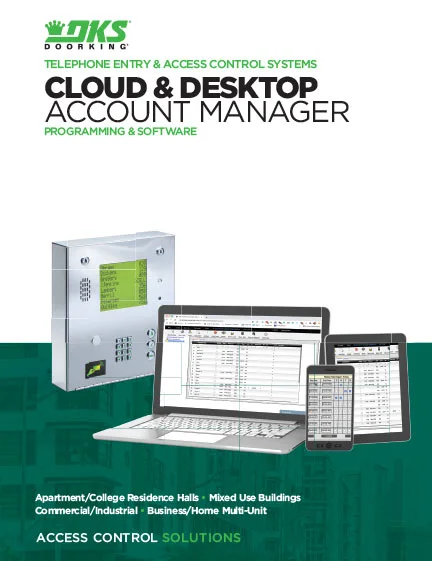
DoorKing’s Remote Account Manager (RAM) Software is a powerful, flexible and easy to use. Manage access control in a variety of controlled access applications including apartment complexes, gated communities, condominium building’s, college resident halls, office buildings, factories, industrial sites, etc. Use this program with DKS models 1833, 1834, 1835 and 1837 Telephone Entry and Access Control Systems, and with the model 1838 Multi Door Card Access System.
Note: The Remote Account Manager Software V6.5 can be used with the following DKS systems; 1833, 1834, 1835, 1837 and1838. V6.5 can also be used to program these older versions – but only those with 40E Series circuit board; 1815, 1817, 1818.
IMPORTANT! Software Programming Support: DoorKing does not provide factory software programming support for systems that use a direct connection from the user’s PC to the entry system (e.g., modem to modem, RS-232). Software programming support is available for these systems for a yearly subscription fee ($49.95). See our Software Support Agreement. Software programming support IS included with any DoorKing connection service (Cellular, VoIP, IM Server).
Looking for help with a different product? Start by choosing the product category below:
Tech Support Downloads
SOFTWARE
RAM software for 1833, 1834, 1835, 1837, 1838. Download the latest version of 6.5.b
This is just the standard Vista-and-up installer, as we’re no longer supporting XP. It includes the new 6.5 PDF documentation.
You must back up and uninstall your existing version before installing version 6.5.
This app is compatible with:
2112 eVolve Video Entry System
2108 eVolve Video Entry System
Are you brand new to your DKS 1830 Series Entry or Access System?
Follow the 3 easy steps below to activate Windows Account Manager.
Step 1. Download Software
You must back up and uninstall your existing version before installing version 6.5.
Step 2. Register Software
Step 3. Registering Your Account and Hardware
- Cellular 4G-LTE service (note 1)
- VoIP (note 2)
- POTS – Plain Old Telephone Service (note 3)
Are you already a user of the DKS Desktop Remote Account Manager?
Follow the 5 easy steps below to convert your existing software database to the Cloud.
Follow These Simple Steps to Convert Your Software Programming Account to the Cloud
Step 1. Activate the Cloud System
Step 2. Update Your Software to the Latest Version
Step 3. Export and Upload Your Conversion File
Step 4. Create New Cloud Account Manager Users
Quick Links for Switching Your Desktop Remote Account Manager to a Cloud Programming Account
Quick Links for Using YourCloud Programming Account
1830 Windows Account Manager Software
DoorKing’s Windows Account Manager Software, also known as Desktop Remote Account Manager (RAM) 32 Software is administrative software downloaded to a PC to manage the access settings of DKS models 1833, 1834, 1835 and 1837 Telephone Entry and Access Control Systems, and the model 1838 Multi Door Card Access System. Visit the 1830 Windows Account Manager page to learn more.
How do I install the Windows Account Manager Software?
How do I update the Windows Account Manager Software?
How do I complete cellular registration for my Entry System?
How do I complete IM Server registration for my Entry System?
How do I register my Data Over IP Device?
How do I set up a new Entry System in the Windows Account Manager?
How do I send account data from the Windows Account Manager to the Entry System?
How do I add a resident in the Windows Account Manager?
How do I delete a resident from the Windows Account Manager?
How do I sort resident data in the Windows Account Manager?
How do I add a device number in the Windows Account Manager?
How do I create a security level in the Windows Account Manager?
How do I locate and enable facility codes in the Windows Account Manager?
How do I set up elevator control in the Windows Account Manager?
How do I set up the relay/elevator table in the Windows Account Manager?
How do I set up resident elevator settings in the Windows Account Manager?
How do I set up elevator security levels in the Windows Account Manager?
How do I set up elevator reference settings in the Windows Account Manager?
How do I share data between Windows Account Manager accounts?
How do I fix Daylight Savings time in the Windows Account Manager?
How do I create a "Hold Open" schedule in the Windows Account Manager?
How do I set up "Holiday" schedules in the Windows Account Manager?
How do I set up transactions in the Windows Account Manager?
How do I export Windows Account Manager data?
How do I back up Windows Account Manager data to a USB?
How do I restore the Windows Account Manager data from a backup?
How do I receive data to the Windows Account Manager?
How do I register my 2334 VoIP & data device?
How do I manually perform the RS-232 test?
How do I manually test a keypad?
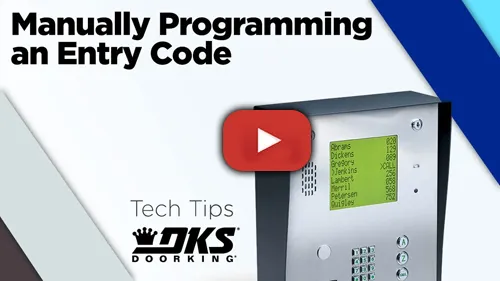
How do I manually program an entry code?
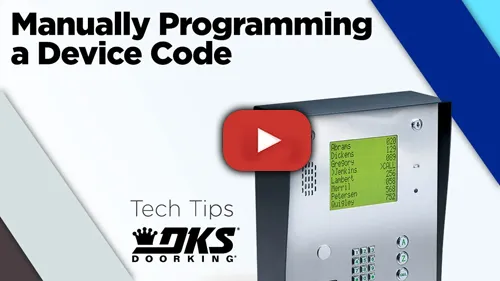
How do I manually program a device code?
OWNER'S MANUALS
How to Manuals
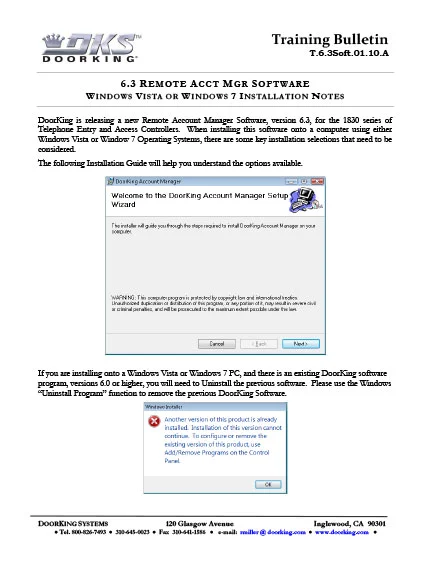
Windows Vista or Windows 7 installation notes.
Planning
DoorKing is a registered Continuing Education System provider for the American Institute of Architects.
DKS offers comprehensive help with System design considerations and equipment layouts. We offer assistance whether your application calls for complex Access Control Systems, or just a single door or automated vehicular gate-controlled entry point.
SYSTEM PLANNING CONSULTATION
DKS assists Architects, Engineers, and Consulting Specifiers with CAD drawings, System planning, and 3-part specifications. We will be happy to assist with design and layout parameters for your automated Vehicular Gate and Access Control System requirements. For assistance, please contact George M. Hendrix, Business Development Manager at 678-230-4162 or email George.
LUNCH & LEARN SESSIONS
To schedule a Lunch & Learn (webinar or in-person) on Automated Vehicular Gate design guidelines that help prevent accidents and injury, and to be sure your design is in compliance with industry safety standards and International Building Codes, please contact Allen Wright, Business Development Manager at 310-489-4875 or email Allen.
As well as having downloadable information on each specific product, we have collected all our download files click the button below to access all downloads in one location.