Technical Support | Documents & Downloads

.

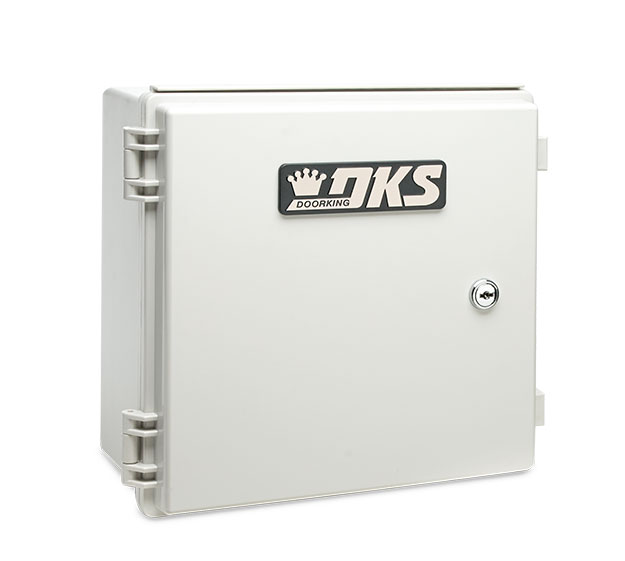
DKS Cellular Control Box for wireless 4G LTE communication with access control systems

Cellular Control Box

Provide Internet connectivity for System Programming and/or Voice Communication to 1830 Series, Access Plus, and Standard/1812 Series Entry Systems. Cellular is a great option for Entry Systems without access to an ethernet internet connection for VoIP or as a Cellular Retrofit option for those that currently use a POTS connection. Our most versatile Easy Connect Internet option: an AT&T 4G LTE Cellular Internet Connection using the Cellular Control Box.

Looking for help with a different product? Start by choosing the product category below:

Tech Support Downloads

Are you brand new to your DKS Cellular Connection Options?

Follow the easy steps below.

Step 1. Check AT&T Coverage
  • AT&T 4G-LTE network (where available).
  • Both cellular models operate on the AT&T 4G-LTE cellular network (where available).
    A monthly subscription fee applies, just like your cell phone. DKS Cellular service provides very competitive monthly rates for your cellular service.
  • DKS Cellular service is available in all states including Alaska and Hawaii. It is also available in Puerto Rico, U.S. Territories, Canada and Mexico.
  • DKS Cellular service is not available in other countries.

Just as easy as activating your smart phone. No trenches to dig, no wiring to run, no telephone lines or ethernet cable to maintain. It’s the total package: voice communication and programming over a 4G LTE cellular connection.

Have an older DKS system? Don’t worry, our wireless solution is backwards compatible, so you can turn older or brand new systems into remote access points without any hassles.

Choose this option to activate your DKS Cellular plan for DKS Cellular-compatible Entry Systems.

The following service types are available:

  • Voice & Data Service
  • Data Only Service
  • Voice Only Service

Register your DKS Cellular devices to enable remote programming via the DK Server, as well as receive DoorKing Account Manager update notifications and other benefits.

To activate voice and/or data plans, click the button below.

After Registering, Activate With A Credit Card

View programming manuals here
If you have already activated your device you can log in here.
OWNER'S MANUALS
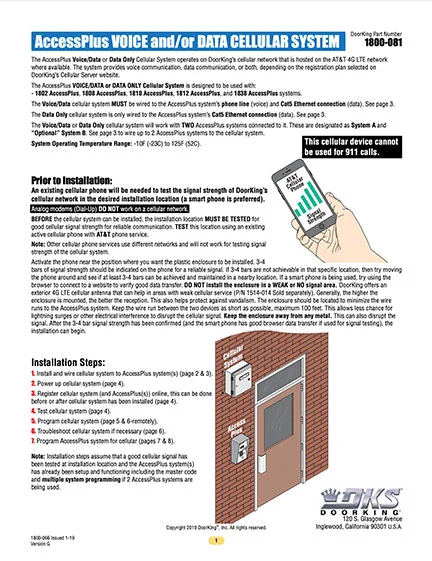
DKS Doorking 1800-066-Issued-1 19VG Instructions
Access Plus Cellular

1800-066-1-19-H
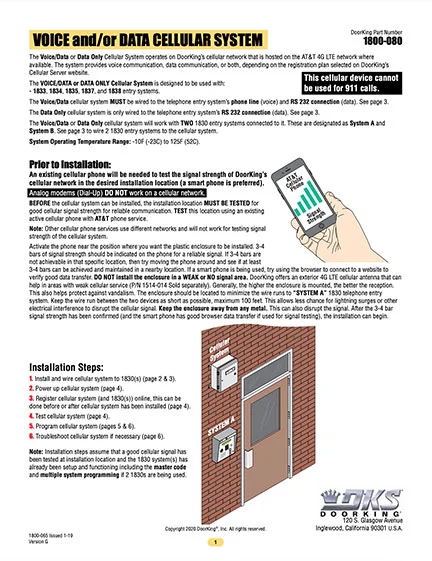
DKS 1830 Series Cellular Voice + Data Instructions
Cellular Voice + Data Instructions

1800-065-1-19-K
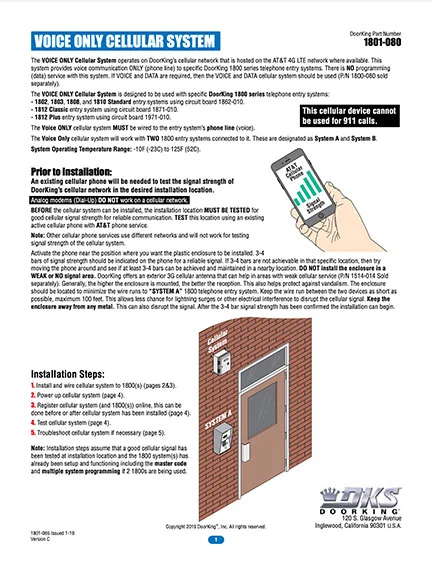
DKS Doorking 1801-065-Issued-1-19_C Vonly Instructions
Cellular Voice Only Instructions (Discontinued)

1801-065-1-19-C

DKS Doorking Mini-Micro Sim instructions
SIM Card Guide

8-9-18

How to Manuals
DKS Doorking 2112-066-B-10-22 Activate Cellular instructions
2108/2112 Video Entry System Cellular Activation
2108/2112 Cellular Option

2112-066-B-10-22
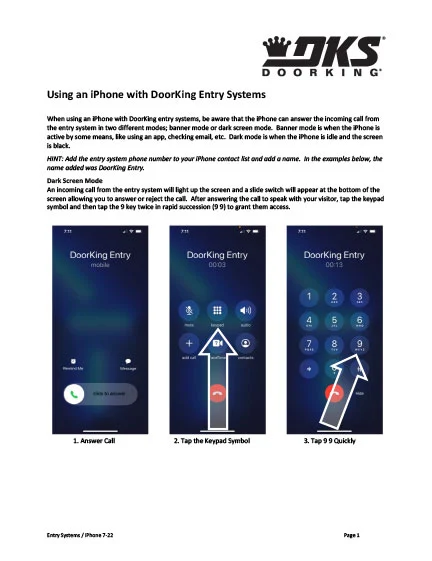
iPhone 7-22
iPhone Instructions
iPhone Cellular Instructions

iPhone 7-22

ACCESSORIES MANUALS
DKS Doorking 1514-066-A-7-19 Cellular Antenna
Cellular Directional Antenna Kit 1514-014 | Accessory Manual

1514-066-A-7-19

SOFTWARE VIDEOS
DoorKing Remote Account Manager tutorial for cellular registration
Cellular Registration | DoorKing 32 Remote Account Manager Software (video)
Video thumbnail showing child in construction gear beside DKS cellular telephone entry system with text: Installs in 4 Easy Steps
DKS Cellular Telephone Entry: Installs in 4 Easy Steps
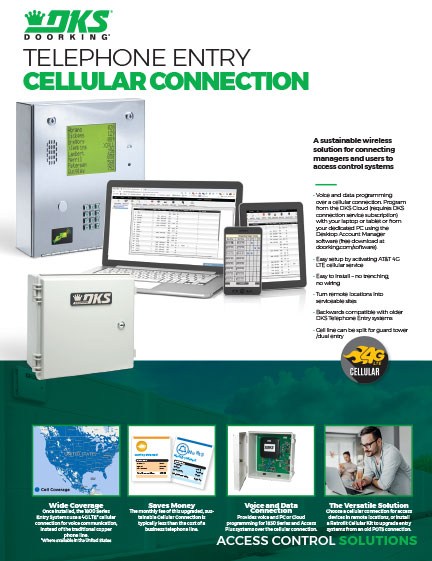
Literature
Thumbnail preview of DoorKing cellular connection cutsheet
Cellular Connections | Literature

Rev 8-26

Planning

DoorKing is a registered Continuing Education System provider for the American Institute of Architects.
DKS offers comprehensive help with System design considerations and equipment layouts. We offer assistance whether your application calls for complex Access Control Systems, or just a single door or automated vehicular gate-controlled entry point.

SYSTEM PLANNING CONSULTATION
DKS assists Architects, Engineers, and Consulting Specifiers with CAD drawings, System planning, and 3-part specifications. We will be happy to assist with design and layout parameters for your automated Vehicular Gate and Access Control System requirements.  For assistance, please contact George M. Hendrix, Business Development Manager at 678-230-4162 or email George.

LUNCH & LEARN SESSIONS
To schedule a Lunch & Learn (webinar or in-person) on Automated Vehicular Gate design guidelines that help prevent accidents and injury, and to be sure your design is in compliance with industry safety standards and International Building Codes, please contact Allen Wright, Business Development Manager at 310-489-4875 or email Allen. 

As well as having downloadable information on each specific product, we have collected all our download files click the button below to access all downloads in one location.

Looking for more help?

Monday – Friday
8am est – 7pm est • 5am pst – 4pm pst

Scroll to Top
Skip to content