Technical Support | Documents & Downloads

.

Doorking keypad

1500 Digital Keypads

Below you will find a variety of documents to address installation and troubleshooting questions, software availability, video tutorials, and more.

For additional questions, please scroll to the bottom of the page to select a method of contact, or locate an installer.

Looking for help with a different product? Start by choosing the product category below:

Tech Support Downloads

SOFTWARE
NO SOFTWARE OR APPS AVAILABLE - If there are no software or apps available for your device, it means that the system is likely a standalone device that operates independently and does not require any additional software or applications to function.
SOFTWARE MANUALS
This product does not currently have any Software Manuals
QUICK START GUIDES
This product does not currently have any Quick Start Manuals
OWNER'S MANUALS
1509-065-B-7-03 Keypad Installation and Programming Guide
Keypad Model 1509 (Discontinued)

1509-065-B-7-03
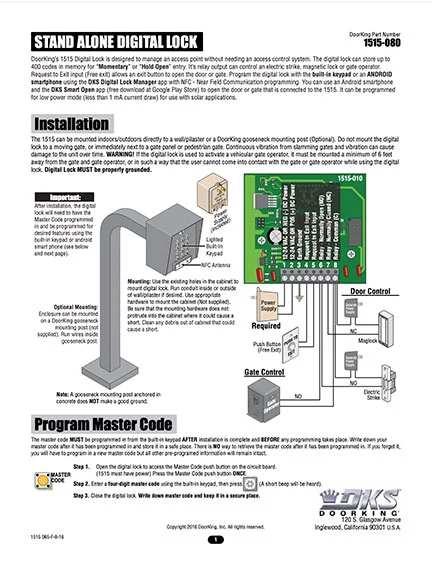
DKS Doorking 1515-065-F-8-16 Installation
Keypad Model 1515

1515-065-F-8-16

Doorking 1503-065-E-3-14 Owners Manual
Keypad Models 1503 & 1504

1503-065-E-3-14

1506-065-L-2-18 installation owners manual
Keypad Models 1504 & 1506

1506-065-N-11-25
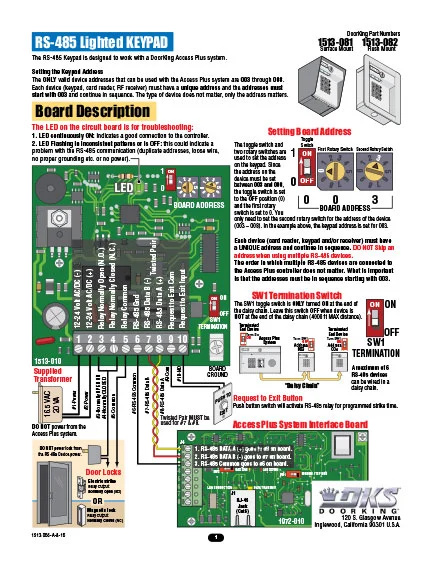
DKS Doorking 1513-065-A-8-16 RS485 Lighted Keypad
Keypad RS485 Output

1513-065-A-8-16

DKS Doorking 1506-066-B-1-09 Secondary Keypad Instructions
Keypad Secondary 1506

1506-066-B-1-09

How to Manuals
This product does not currently have any How to Guidelines
ACCESSORIES MANUALS
DKS Doorking 1211-065-C-8-12 instructions
Exit Buttons Indoor Lighted

1211-065-C-8-12

DKS Wiegand Keypad Installation
Keypad – Wiegand

1815-064-K-3-17

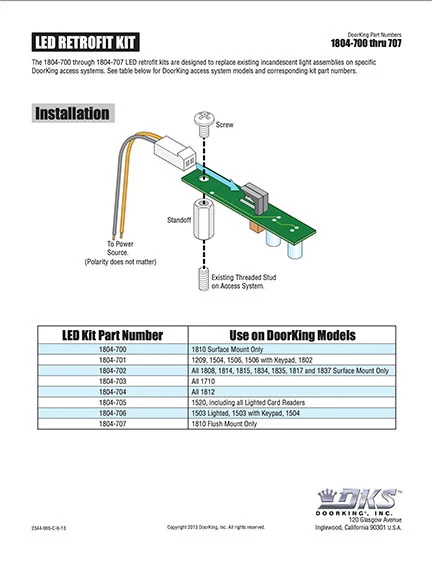
DKS led retrofit kit
LED Retrofit Kit Instructions

2344-065-C-6-13
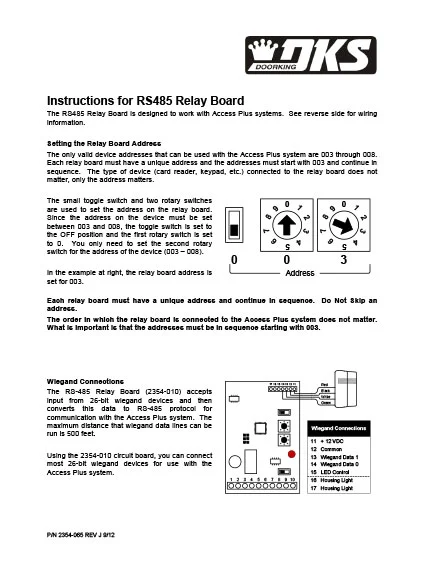
DKS Doorking 2354-065-J-9-12_RS485 Card Reader
RS485 to Wiegand Converter Board

2354-065-J-9-12

DKS Secondary Lighted Keypads
Secondary Lighted Keypad | Accessory Manual

1506-066-D-2-18
SOFTWARE VIDEOS
This product does not currently have any Software Videos

Architects | Specifiers Downloads

Literature
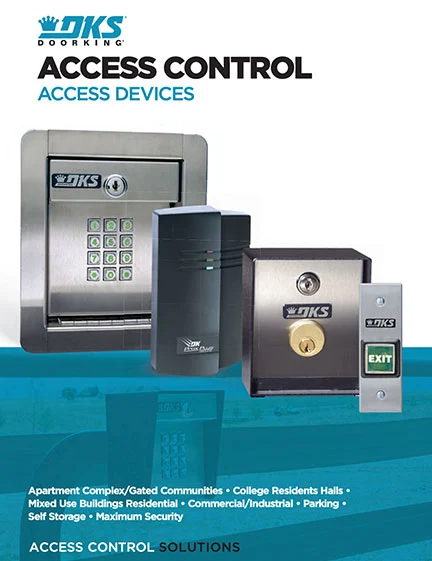
DKS Doorking Access Devices Brochure Literature
Access Devices | Brochure

Rev 2-23

1500 stand alone digital keypad cutsheet
Keypads | Literature

Rev 5-21

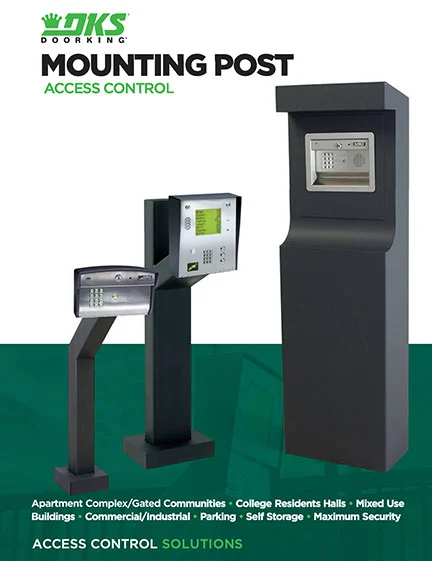
Mounting Post Literature
Mounting Posts & Kiosks | Brochure

Rev 2-23

Mounting Post Cutsheet Literature
Mounting Posts | Literature

Rev 5-21

3 Part Specifations
This product does not currently have any 3-Part Specifications
CAD
This product does not currently have any CAD files
3D Models
1500 3-D Models
1500 3-D Models
IPB
This product does not currently have any IPB's files
Planning

DoorKing is a registered Continuing Education System provider for the American Institute of Architects.
DKS offers comprehensive help with System design considerations and equipment layouts. We offer assistance whether your application calls for complex Access Control Systems, or just a single door or automated vehicular gate-controlled entry point.

SYSTEM PLANNING CONSULTATION
DKS assists Architects, Engineers, and Consulting Specifiers with CAD drawings, System planning, and 3-part specifications. We will be happy to assist with design and layout parameters for your automated Vehicular Gate and Access Control System requirements.  For assistance, please contact George M. Hendrix, Business Development Manager at 678-230-4162 or email George.

LUNCH & LEARN SESSIONS
To schedule a Lunch & Learn (webinar or in-person) on Automated Vehicular Gate design guidelines that help prevent accidents and injury, and to be sure your design is in compliance with industry safety standards and International Building Codes, please contact Allen Wright, Business Development Manager at 310-489-4875 or email Allen.

As well as having downloadable information on each specific product, we have collected all our download files click the button below to access all downloads in one location.

Looking for more help?

Contact us by phone icon for DoorKing customer support

Monday – Friday
8am est – 7pm est • 5am pst – 4pm pst

Scroll to Top
Skip to content