Easy Connect | Programming Options

1830 Series
Windows Account Manager
The original remote programming method, The Windows Account Manager is a software-based system management tool that, when paired with an internet connection, enables remote programming of Entry Systems in the 1830 Series from a dedicated PC.
1830 Series Windows Account Manager
The Original Programming Software for 1830 Series Entry Systems
As DoorKing’s original programming software, the Windows Account Manager has been previously known as the Desktop Account Manager and Remote Account Manager. No matter what we call it, this software is powerful, flexible and easy to use. The software was designed to reside on one PC and is a good programming method for multi-unit or multi-use buildings with one administrator or an onsite staff. Built to handle 1 to 3,000 access users, administrators can program from their PC anywhere there’s an internet connection, or program on location even without the internet (requires RS-232 connection to the Entry System). Available at no additional cost to you, this software is compatible with DKS 1833, 1834, 1835 and 1837 Telephone Entry and Access Control Systems, and with the 1838 Multi Door Card Access System.

Software Based Programming

Suitable for Administrators with Limited Staff
Compatible with PCs Only
Looking for the Access Plus Series Windows Account Manager?
Applications

Large Multi-Family Residential

Apartment Complexes & College Residence Halls

Gated Communities

Mixed Use Buildings

Commercial & Industrial

Self Storage

Parking Facilities

Maximum Security
Product Compatibility
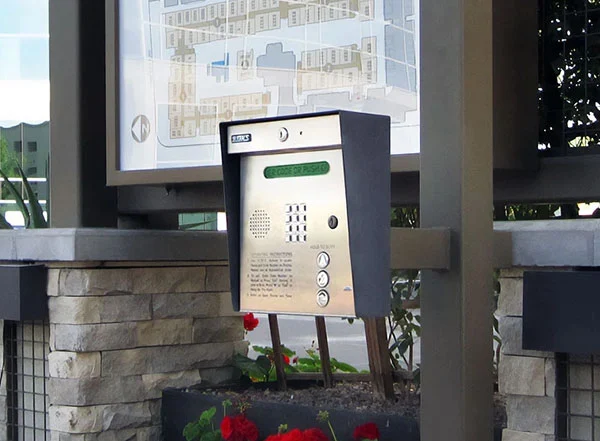
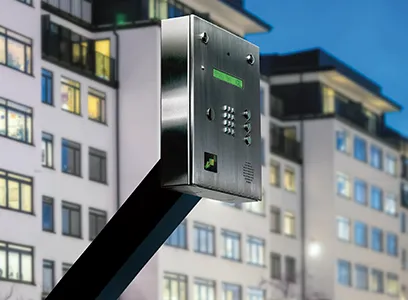
1830-80 Series Entry Systems
The Windows Account Manager is suitable for administrators with limited staff.
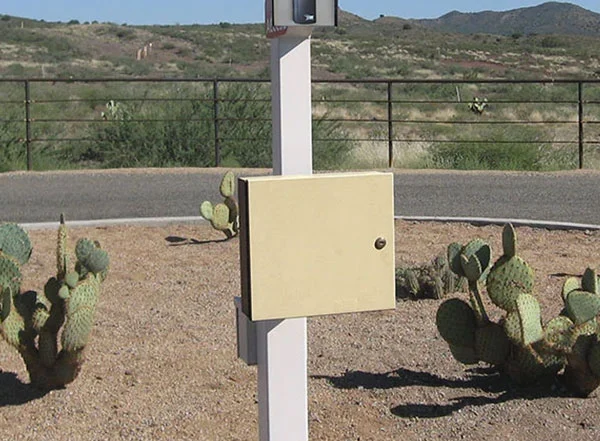
1830-90 Series Entry Systems
The Windows Account Manager is suitable for administrators with limited staff.
1838 Access Controller
The Windows Account Manager is suitable for administrators with limited staff.
Features
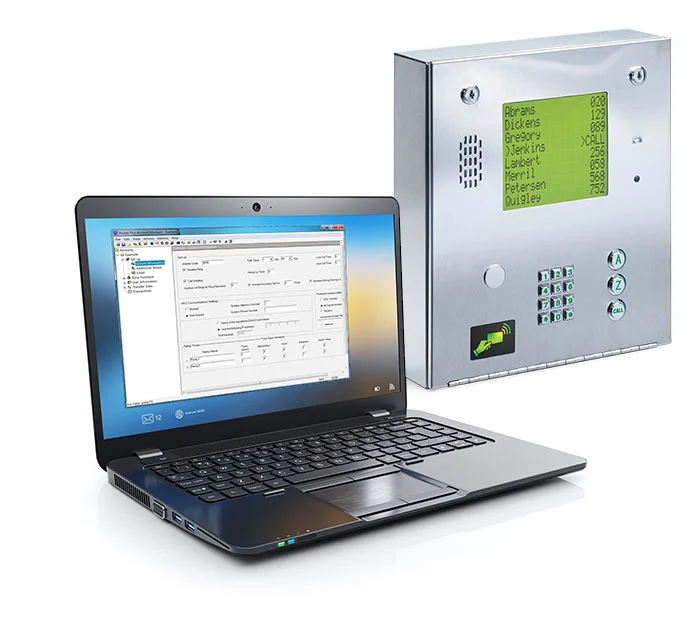
Windows Account Manager is a PC-based Software Available as a Free Download from DKS
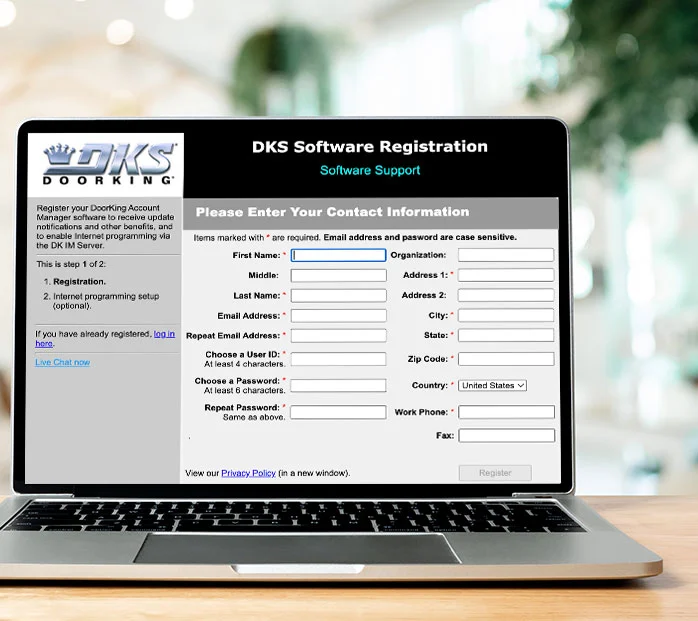
Register Your Account to Get the Full Power of the Windows Account Manager
1830 Series Windows Account Manager Capabilities
Compatible with 1830-80 Series
Compatible with 1830-90 Series

Compatible with 1838 Access Controller
Compatible with
PC Computers
Compatible with
Windows 7, 8, 101830-80 Series
- Program Using PC Only
- Downloadable Software
- Add up to 3000 Phone Numbers
- Add up to 8000 Unique Access Devices
- Add up to 48 Wired, 24 Wireless Access Points
- Administrator Role
- Data Entry Only Role
- Database Event/Summary Log
- User Log-in Record
- Receive/Send User Information Data
- Receive Event Transactions
- Scheduled Automated Data Transfers
- Import/Export Function
- Share Database
- Administrator Backup & Restore
- Live View of Access Transactions
- View/Report Transactions
- Export Transactions
- Scheduled Hold Open Times
- Anti Pass-Back
- Confiture 31 Security Levels
- Elevator Control
- Holiday Schedule
- Real-Time Access Point Control
- Control Multiple Entry Systems
- Categorize Access Device Types
- Gate Tracking Reporting
- Live Gate Tracking
- Messages – allows us to send notices of program updates (critical and non-critical), product updates and more!
- User registration if using the DKS IM Server – All you need is an internet connection! Watch a video on how to register as a user and activate a system on our servers. CLICK HERE.
- Using our server eliminates the need of a modem, modem phone line, modem setup strings, modem software and includes software programming support.
- Activity button allows you to view data transfers in progress.
- A History button provides all the data transfer history for your account.
- Improved data backup, communication and session status indicator.
- Cellular 4G-LTE service (note 1)
- VoIP (note 2)
- POTS – Plain Old Telephone Service (note 3)
Note 1: Requires DK IMServer Cellular subscription. 4G-LTE service provided by AT&T where available.
Tech Support
Find all the documentation needed to install, program, and operate your DKS product below.
Resources