
2137
Video Entry System
Applications
Large Multi-Family Residential

Apartment Complexes & College Residence Halls
Gated Communities

Mixed Use Buildings

Commercial & Industrial
Self Storage
Parking Facilities
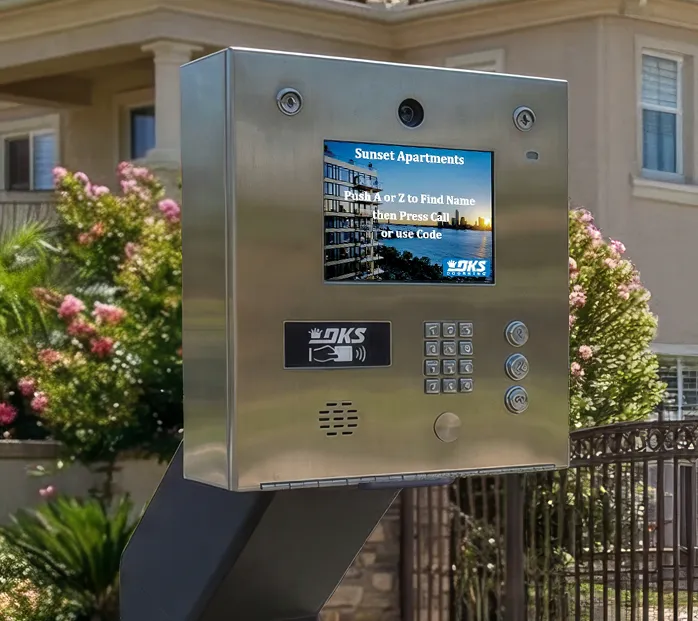
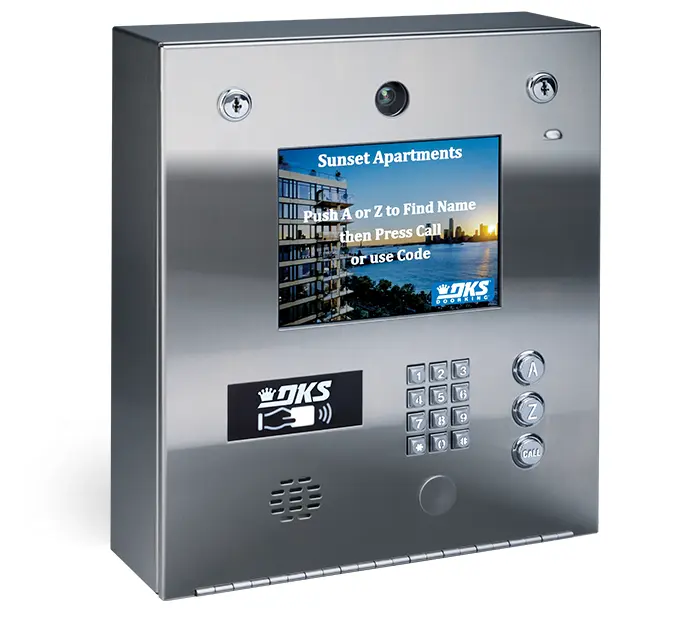
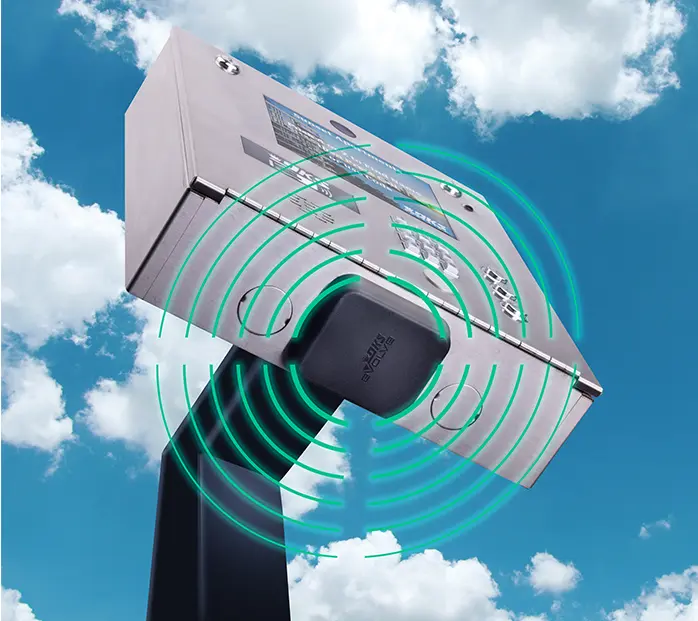
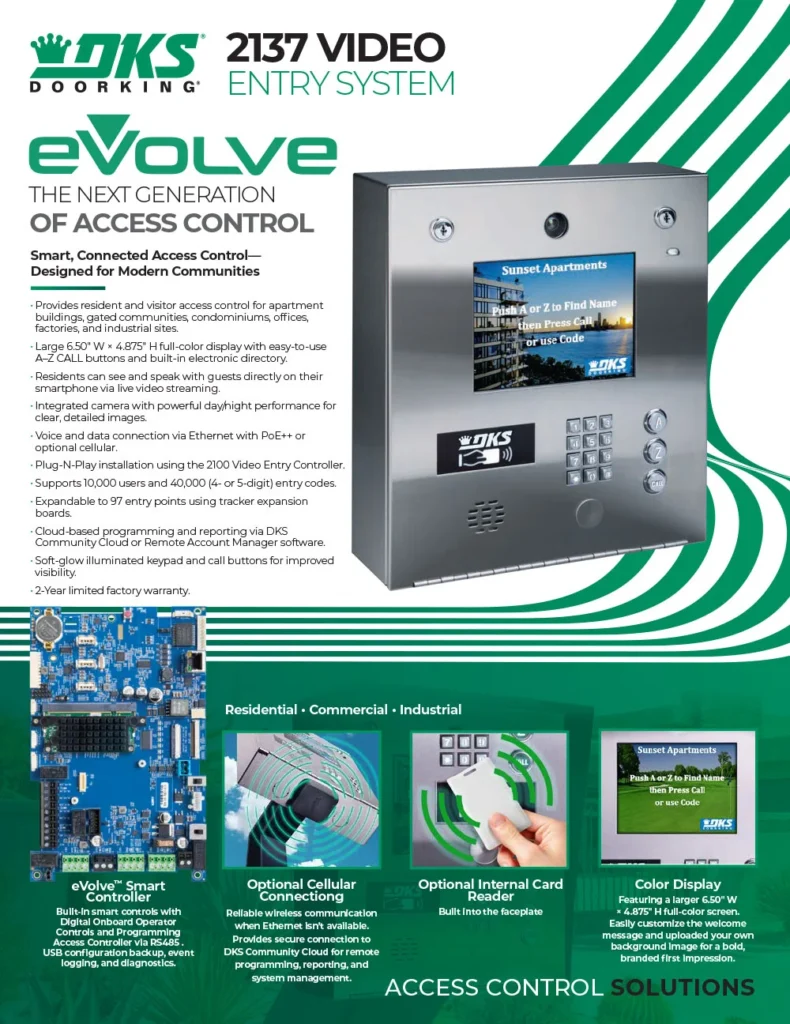
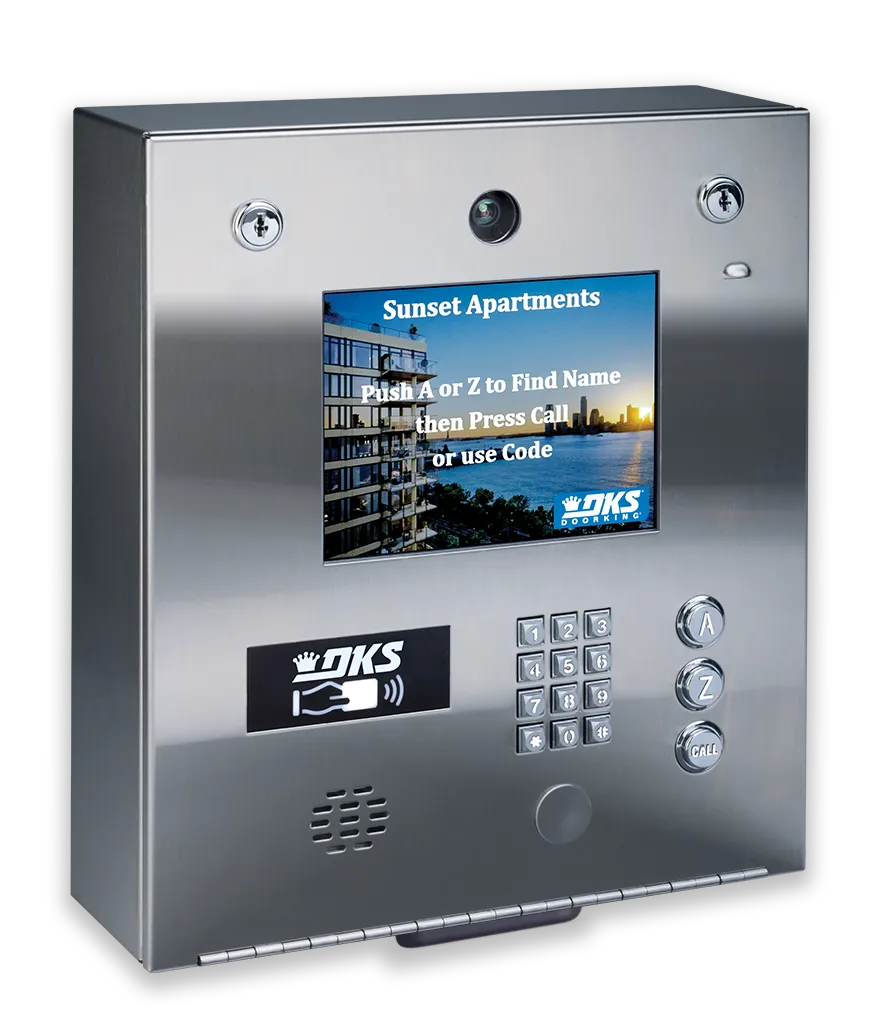
2137 Video Entry System
Smart, Connected Access Control—Designed for Modern Communities
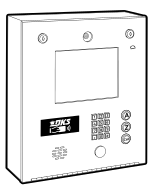
The eVolve™ 2137 Video Entry System delivers advanced video access control with cloud-based management and flexible connectivity options. Designed for modern multi-tenant and commercial environments, the 2137 supports live streaming video, a high-contrast color display, and robust visitor and credential management.
The system can manage up to 10,000 users and 40,000 entry codes, with expansion capability for up to 97 entry points using optional Tracker expansion boards. Administrators can program the system remotely through their DKS Cloud account from any internet-connected device, while day-to-day access management is handled through the DKS Community App (iOS & Android).
Installation is simplified with Power over Ethernet (PoE++) or 12-24 VDC power options. Where Ethernet is unavailable, an optional Cellular connection provides reliable wireless communication (minimum upload speed is 3 MBs).
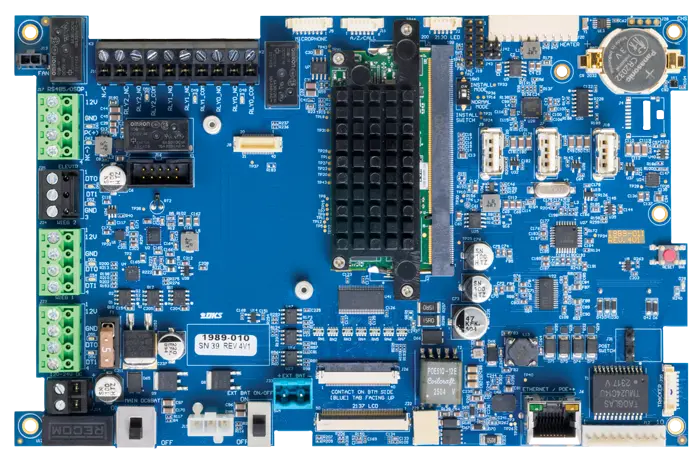
2100 Video Entry Circuit Board
The new DKS Video Entry Controller simplifies installation and setup. Power over Ethernet (PoE) eliminates the need for a separate power supply. Don’t have an Ethernet connection? The Cellular add-on provides a seamless wireless connection. The system can be expanded to control up to 97 entry points using optional Tracker expansion boards. Programming and reporting are handled through DKS Cloud. Managers and Administrators can manage their systems with the DKS Community App available on the App Store and Google Play.
Video Entry System
Voice & Video Communication with Guests
Right On Your Smartphone:
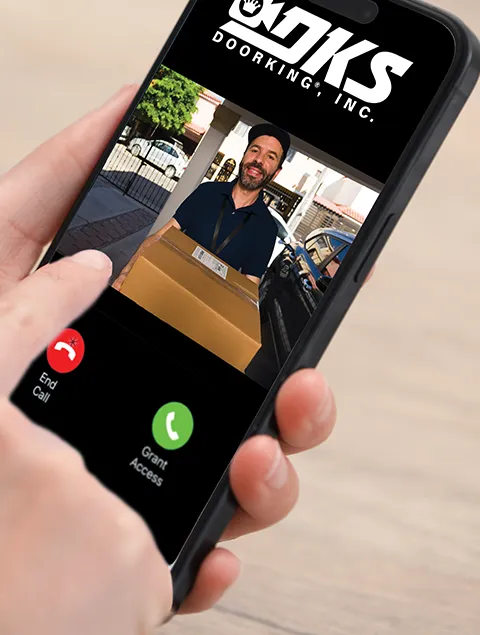
DoorKing’s 2137 eVolve Video Entry System enables residents to not only speak on the phone to guests at the gate but also see guests right on their smartphone through video streaming — offering verbal and visual communication from anywhere. Residents can quickly grant guests access from their home phone or smartphone, and can easily program the Video Entry System by logging in to their administrator account through any browser on any internet-connected device.
Grant Access & View Guests via Live Video
Community App: User Level allows tenants to easily grant access with video confirmation of who is at the entry. Manager Level, Enhanced User Levels have even more control over customized access.
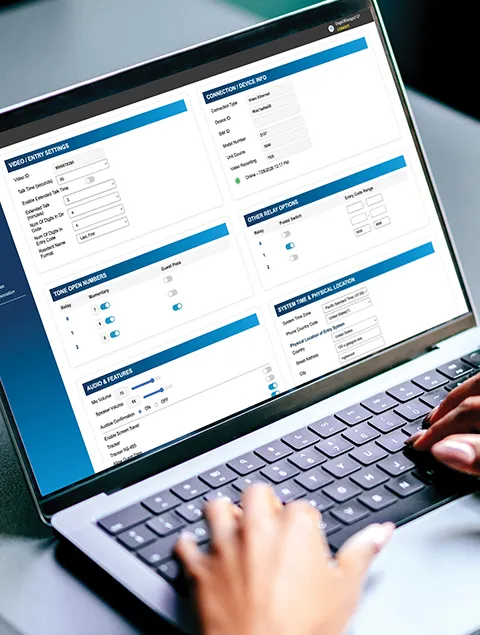
Remote Programming via eVolve Cloud
Cloud-based programming and reporting via DKS Community Cloud lets managers work remotely with 100% control.
Powerful Day and Night Camera

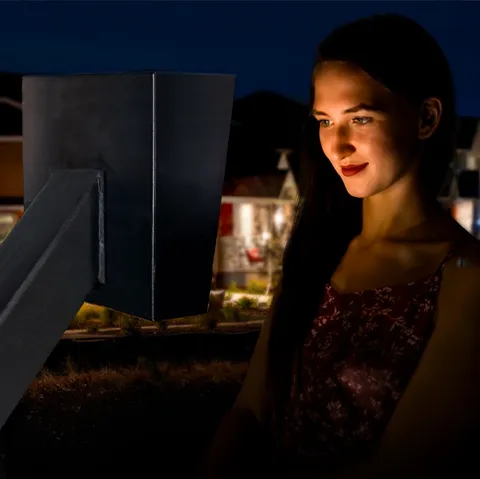
The Perfect Lighting
The Soft Light Glow of the keys and call button ensures your visitors are always illuminated without blinding them.
Color Display
Looking for an authorized DoorKing dealer near you?
Weather Resistant Case
Optional Internal Card Reader
Built into the faceplate
Technical Specifications
Control up to 97 Access Points
Supports Up to 10,000 Users and 40,000 Entry Codes
Device Codes
Up to 25 Per User
Built-in Ethernet Connectivity
Dual Wiegand Inputs
Specifications
- Input Power: PoE++ (Type 3) or 12-24 VDC (18 VDC Power Supply Included)
- Connection: Ethernet or Cellular
- Color Display: 6.50″ W × 4.875″ H
- Users: 10,000
- Device Codes: Up to 25 per User
- Entry Codes (4 or 5 digit): 40,000
- Wiegand Inputs: 2 (Expandable to 97 with Tracker expansion boards)
- Internal Relays: 3
- Events Buffer: Up to 6 months
- Elevator Control: Up to 8 elevators, 64 floors each
- Postal Lock Provision: Yes
- Tamper Switch: Yes
- Built-In Card Reader Provision: Yes
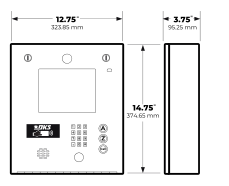
- Dimensions: 14.75″ H × 12.75″ W × 3.75″ D
- Operating Temperature: -20°F to 130°F (-29°C to 54°C)
- Security Hood & Flush Mount Kits: Optional
Features
- Directory Listing: Last Name First or First Name First
- Customizable Home Screen: Yes
- Visitor (Guest) Management: Scheduled or One-Time
- Geo-Fencing Access Control: Can Be Enabled or Disabled
- User Auto-Expire: Yes
- Security (Permission) Levels: 31 (10 Time Zones Each Level)
- Entry Code Schedules: 10
- Holiday Schedules: 55
- Hold Open Schedules: 15 (Auto-Cancel Can Be Enabled)
- Do-Not-Call Schedules: 10
- Do-Not-Disturb for Video Calls: User Enable or Disable
Applications
- DKS Community App: Manager Level, Enhanced User Level, Standard User Level (Enhanced and Standard Levels Are Assigned by the Manager)
- DKS Cloud (Required): All Programming
Dimensions and Weight
Dimensions (H × W × D):
Surface Mount
14.75″ × 12.75″ × 3.75″
Shipping Weight Approximately:
20-25 lb (9-11 kg) depending on model and options selected
Tech Support
Find all the documentation associated with the DKS Cellular Connection Option below.

Quick Start Guides

Accessory Manuals

Easy Connect Manuals

Tech Tip Videos

Owner’s Manuals
Resources